 United States/English



 Baseus Store
 Amazon
 Walmart

The dawn of magnetic charging has changed the way we approach power in the modern century. Whether you're using an iPhone MagSafe accessory or a new Qi2 charger, simply snapping a charger or magnetic power bank onto the back of your phone is faster and more convenient than carrying messy cables everywhere. However, there’s still one concern that keeps most smartphone users up and that is “Why does my phone get hot while using a magnetic charger?"
Now, it’s important to note that all devices generate heat when they’re being used for an extended period. For wireless charging, a bit of heat is completely normal. But, to give you some added peace of mind, we’ll be exploring how thermal management works, what could be considered overheating, and how you can keep your cool, and your phone’s cool, during your next recharge. So, let’s get to a very basic understanding first of why things keep heating up.
Why Do Magnetic Chargers Generate Heat?
Now, unlike regular wired charging, magnetic charging solutions depend on electromagnetic conduction. This means that they use magnetic coils to transfer power inside both the charger and your smartphone. When these coils align correctly, power is transferred to your phone.
However, no wireless connection is truly 100% efficient, which is why some of that energy escapes the connection in the form of heat, making the charger warm to the touch. Adding a magnetic power bank to your phone also traps heat inside due to the tight magnetic connection, keeping the warmth between the back of the phone and the power bank itself.
Now, a little bit of warmth is completely normal. However, if the charger or phone becomes uncomfortably hot, charging repeatedly stops, or your device displays a temperature warning, it's time to check your setup. But how do you know what’s normal and what’s too hot?
Normal Heating vs. Overheating
Generally, tech and heat are not a good combination, which is why most manufacturers spend a lot of time on cooling systems, materials, and mechanics to improve heat dissipation. However, it’s also important to know that most modern smartphones are designed to operate safely within specific temperature ranges without taking any damage. Here’s a general temperature guideline you can follow, but be sure to read your phone’s user guide for specific optimal operating temperatures.
| Magnetic Charging Power | Surface Temperature | Safety |
|---|---|---|
| Standard Wireless 5W | 30–36°C | Normal |
| MagSafe 7.5W | 33–40°C | Normal |
| MagSafe 15W Qi2 | 35–43°C | Normal |
| Fast Charging with Heavy Phone Usage | 40–45°C | Warm but acceptable |
| Above 45°C for extended periods | - | Potential overheating |
| Above 50°C | - | Overheating |
Most advanced smartphones, including iPhones, have built-in thermal protection or cooling systems. This is especially prevalent in gaming smartphones, where the amped-up processing power generates much more heat. So, is the heat from wireless magnetic charging dangerous? Well, mild warmth is perfectly normal, especially during the first phase of the charging cycle or when fast charging is active. You should only be concerned if:
- The phone becomes too hot to hold.
- The phone sends you a temperature warning.
- Charging repeatedly stops.
- You can smell something burning.
- The charger makes any usual buzzing or sparking sounds.
- The magnetic power bank swells or cracks.
If any of this sounds familiar, stop using the charger at once and allow your phone to cool down for a while. Never continue using a damaged charger or a swollen power bank. Ultimately, if your MagSafe battery pack or portable charger feels warm but your phone continues to charge normally without any temperature warnings, discomfort, or disruptions, you're likely still within safe operating limits. Now, let’s look at what might be causing the heat during magnetic charging.
What Causes Excessive Heating During Magnetic Charging?
Wireless charging can be a great way to stay powered up on the go, but it can lead to some heated situations. Let’s go over some of the reasons you might be experiencing too much heat when using your magnetic power bank or charger.
Thick or Incompatible Phone Cases
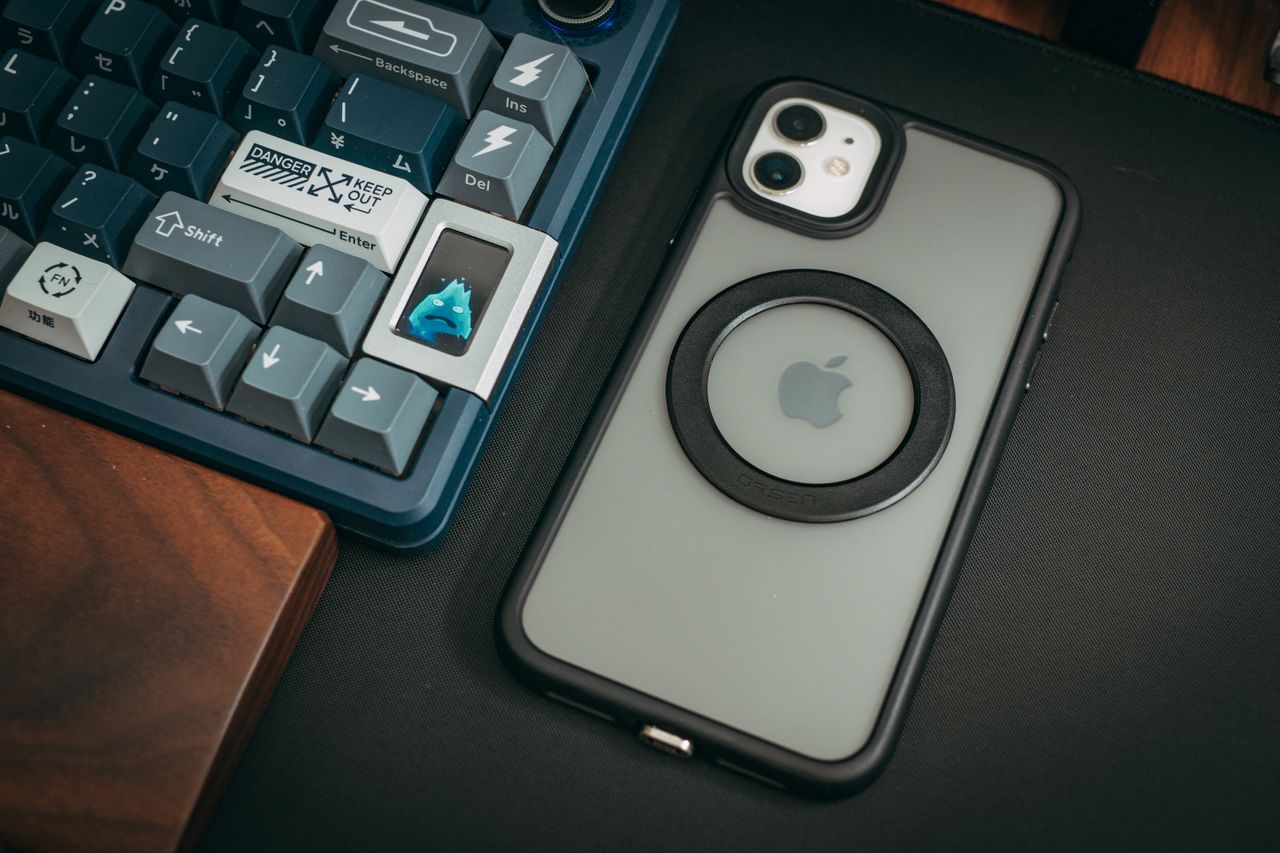
Using a phone case thicker than 2mm or that doesn’t have a magnetic alignment ring will make the device heat up considerably more. A thick phone case also puts more distance between the charging coil and your phone, reducing overall charging efficiency as well. Always invest in recommended MagSafe charging phone cases to reduce the risk of overheating and ensure a seamless connection. Cases with pop sockets, kickstands, or cardholders can also get in the way and disrupt the charging process. If your phone gets too hot while charging wirelessly, try removing your phone case. If the temperature drops noticeably, your case is likely the problem.
Improper Alignment
When the magnetic alignment with your phone isn’t perfect, the energy wasted turns into heat. While your phone might still charge, the charger itself will generate unnecessary heat in the process. This is especially common with flat charging pads, where it's easy to place a phone slightly off-center. Fortunately, magnetic wireless chargers and power banks reduce the risk of this by snapping onto the phone in the optimal position. Always try to align the phone correctly to ensure proper charging and less heat.
Bad Ventilation or Direct Sunlight
Naturally, having the sun directly on your charging setup is going to make everything involved heat up a lot more. Wireless chargers also require proper airflow to stay cool. Always use wireless chargers on hard, flat, and open surfaces. Try not to charge your phone on soft surfaces like beds, blankets, or inside hot cars where heat can be trapped.
Using the Phone While Charging
While it might be hard to put down your phone sometimes, it’s important to charge your device properly without exhausting the battery at the same time. Gaming, video calls, GPS navigation, streaming, and running heavy apps will naturally generate more heat. Doing these while wirelessly charging only compounds the heating-up issue.
Poor Charging Equipment
The best wireless charger around is the most qualified one. Low-quality magnetic power banks and wireless chargers often use inefficient coils, lack proper thermal dissipation, or place the battery too close to the charging coil. This results in weak thermal management, inefficient power conversion, and inconsistent voltage regulation, which all lead to wasted energy that becomes heat. Always use certified and recommended charging accessories from reputable brands, especially if they include temperature controls. Now that we know what can cause excessive heat with magnetic charging, let’s go over some ways to prevent things from getting too warm for comfort.
Four Simple Ways to Keep Your Wireless Charging Cool
Wireless charging is a simpler and more efficient method of staying powered up and ready to go. Fortunately, it can be just as simple to keep your magnetic charging situation cool in the long run. Here are some tips on how to reduce heat during wireless charging and keep the good times going.
1. Remove Thick or Incompatible Phone Cases
It’s very important to choose the right accessories for your phone if you intend on using magnetic charging. Remove any thick phone cases or items that might be obstructing the alignment of the charger or power bank to your device. If your phone case is thicker than 2mm or was not designed for magnetic charging, please remove it before charging.
2. Keep Your Phone Out of Direct Sunlight
As a general rule, you should already be keeping your phone out of direct sunlight to prevent any damage. However, with magnetic charging, you run the risk of overheating your device even more. Never leave your phone to magnetically charge inside hot parked cars, on sunny windowsills, or at the beach. Try to keep your phone on a cool, flat, and hard surface where air can circulate freely.
3. Avoid Power-Intensive Apps While Charging
Try to avoid using your phone entirely, if possible, but mainly stay away from heavy-duty apps and tasks like gaming, video editing, and the like. This will prevent excessive heat while also preventing battery damage to your phone in the long run.
4. Use Certified Magnetic Charging Accessories
Choosing the best MagSafe charger isn't just about charging speeds. Always look out for reputable magnetic chargers that prioritize temperature control and long-term reliability. You should also look for accessories supporting Qi2, automatic magnetic alignment, and intelligent thermal management. Now that we know how to manage magnetic charging heat a bit better, let’s introduce you to a magnetic charging solution that goes the extra mile for your power refuel.
Baseus PicoGo Series: Making Magnetic Charging Cool
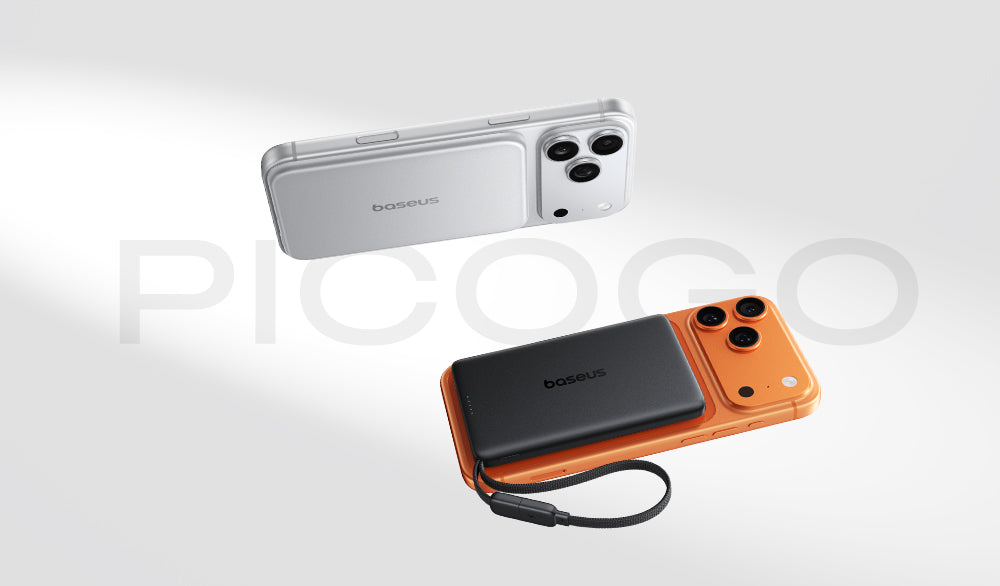
At the end of the day, magnetic charging is meant to make your life easier, not set it on fire. This is why Baseus focuses on the user experience in the design process, allowing us to see any obstacles ahead and solve them before you even know they’re there. The PicoGo Series was our love letter to charging solutions that reshape the way we approach wireless power efficiency.
While we could talk about the slim designs, powerful charging outputs, and strong attachment, today, we’re focusing on how we’ve essentially solved the overheating issue you find with magnetic charging. Our power banks use an intelligent AI Temperature Control system for this. Inside the PicoGo, the microprocessor actively monitors temperatures and polls the thermal sensors around eighteen thousand times every single hour. That’s the equivalent of checking the heat levels exactly five times every single second.
Once the ambient temperature in the room goes up, the PicoGo device automatically knows. If your phone processor starts working a bit harder, your charger sees the temperature spike instantly and gets to work cooling things down.
For example, the Baseus PicoGo Ultra-Slim Magnetic 5000mAh 20W power bank uses an advanced heat dissipation system combined with an NTC smart temperature control chip and 9 layers of safety protection protocols. Based in an aluminum housing, even during heavy use, the surface temperature stays 30% cooler than most other power banks.

On the other hand, the Baseus PicoGo AM52 Qi2.2 Magnetic 10,000mAh 25W power bank comes armed with a triple-loop cooling system for safer and efficient charging for up to two devices simultaneously. Using a layer of graphene, an aluminum alloy casing, and an AI temperature control chip as well, it monitors for any thermal spikes and immediately dissipates heat faster.

The PicoGo temperature-control system combines intelligent hardware and software to maintain efficient charging while minimizing unnecessary heat buildup. With less energy wasted during charging, temperatures stay within a safer operating range while delivering reliable performance.
Conclusion
While feeling a bit of warmth with magnetic charging is perfectly normal, the real goal is to prevent anything excessive. Using compatible accessories, removing thick cases, and avoiding direct sunlight can all help in their own ways. However, you need to count on reliable magnetic charging devices to really get to the crux of intelligent thermal control. Fortunately, Baseus thrives in the heat of battle and is more than ready to help you keep your cool as you refuel.
FAQ
Q1: Is it normal for a MagSafe charger to get warm?
Yes. Your charger and phone usually become warm during magnetic charging because wireless power transfer naturally produces some heat. While mild warmth is expected and generally safe, overheating is an issue.
Q2: At what temperature is a phone considered overheating?
Most smartphones operate normally up to around 40 - 45°C during charging. If temperatures remain above 45°C for extended periods or your phone displays a temperature warning, it may be overheating.
Q3: Will using a MagSafe phone case make my phone hotter?
No. A compatible MagSafe phone case typically has little impact on temperature. However, thick or non-magnetic phone cases can reduce charging efficiency and increase heat.
Q4: How can I reduce heat while using a MagSafe power bank?
Use a compatible MagSafe case, avoid direct sunlight, remove thick cases, stop using your phone while you’re charging it, and choose a charger with intelligent temperature management.