 United States/English



 Baseus Store
 Amazon
 Walmart

How it works

STEP 1
Look for eligible items
Find products labeled with the "Prime" logo and add them to your shopping cart.

STEP 2
Buy with Prime
Sign in to your Amazon account before placing your order to enjoy free 1–2 day shipping.

STEP 3
Amazon does the rest
Amazon handles the delivery and offers free returns for eligible items.
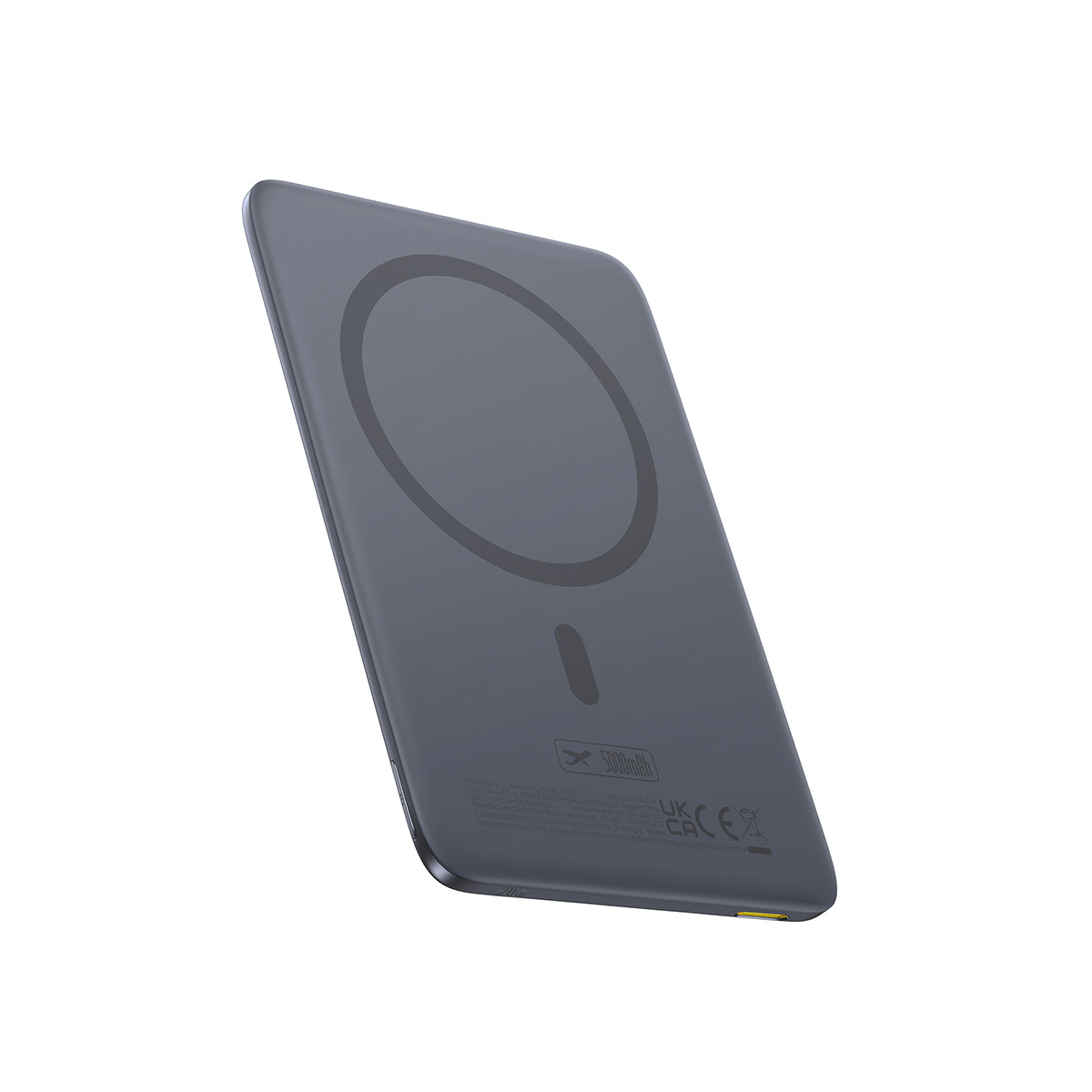
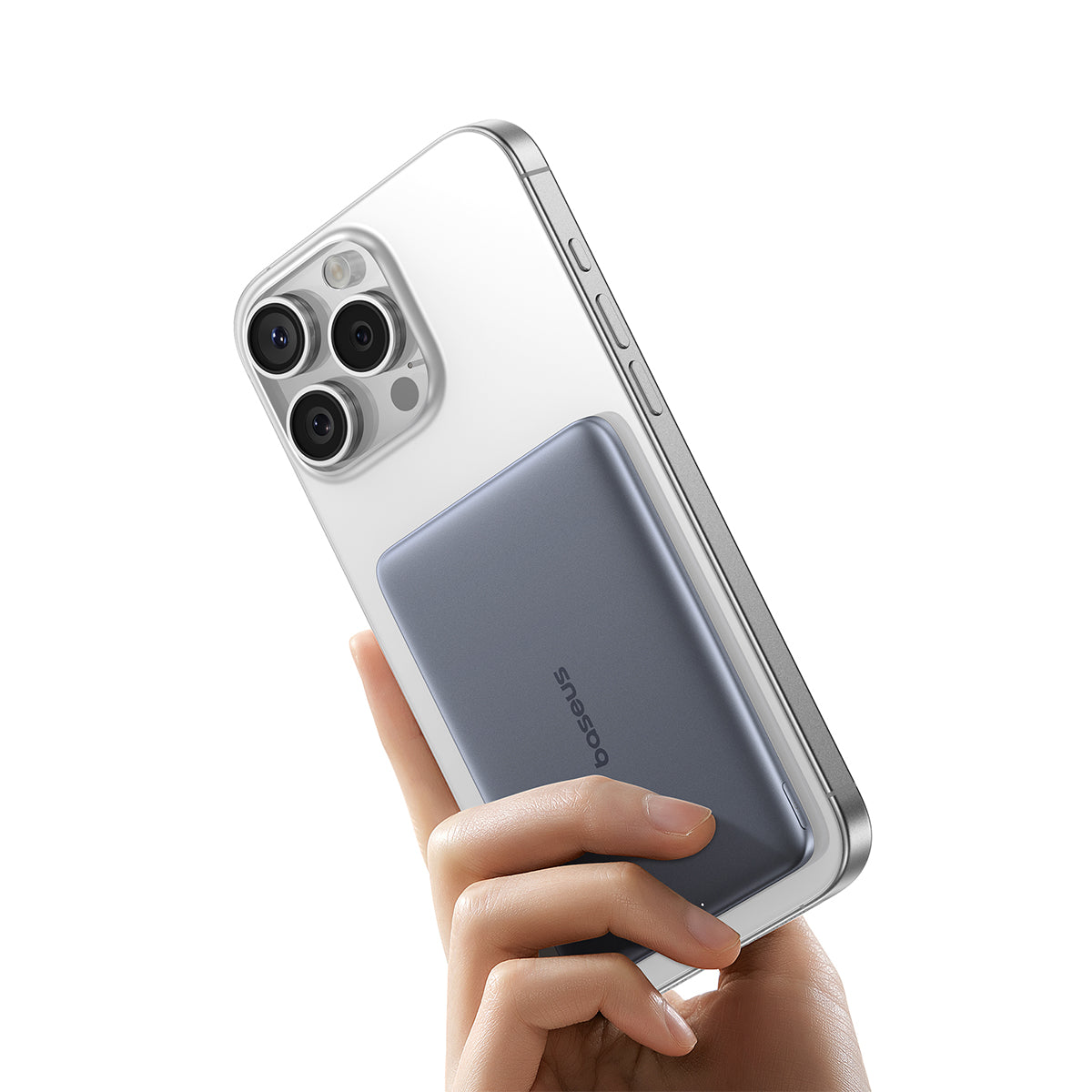
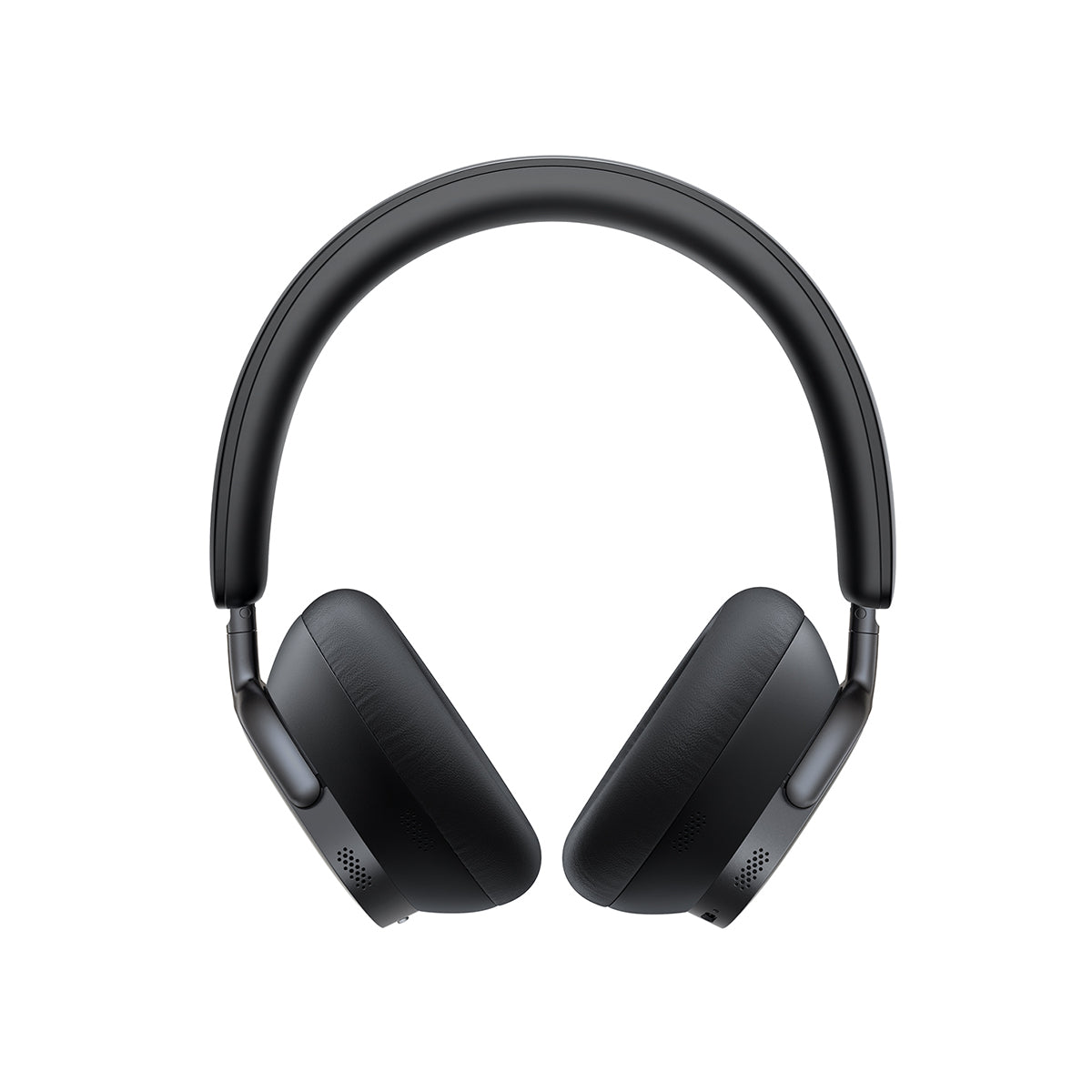
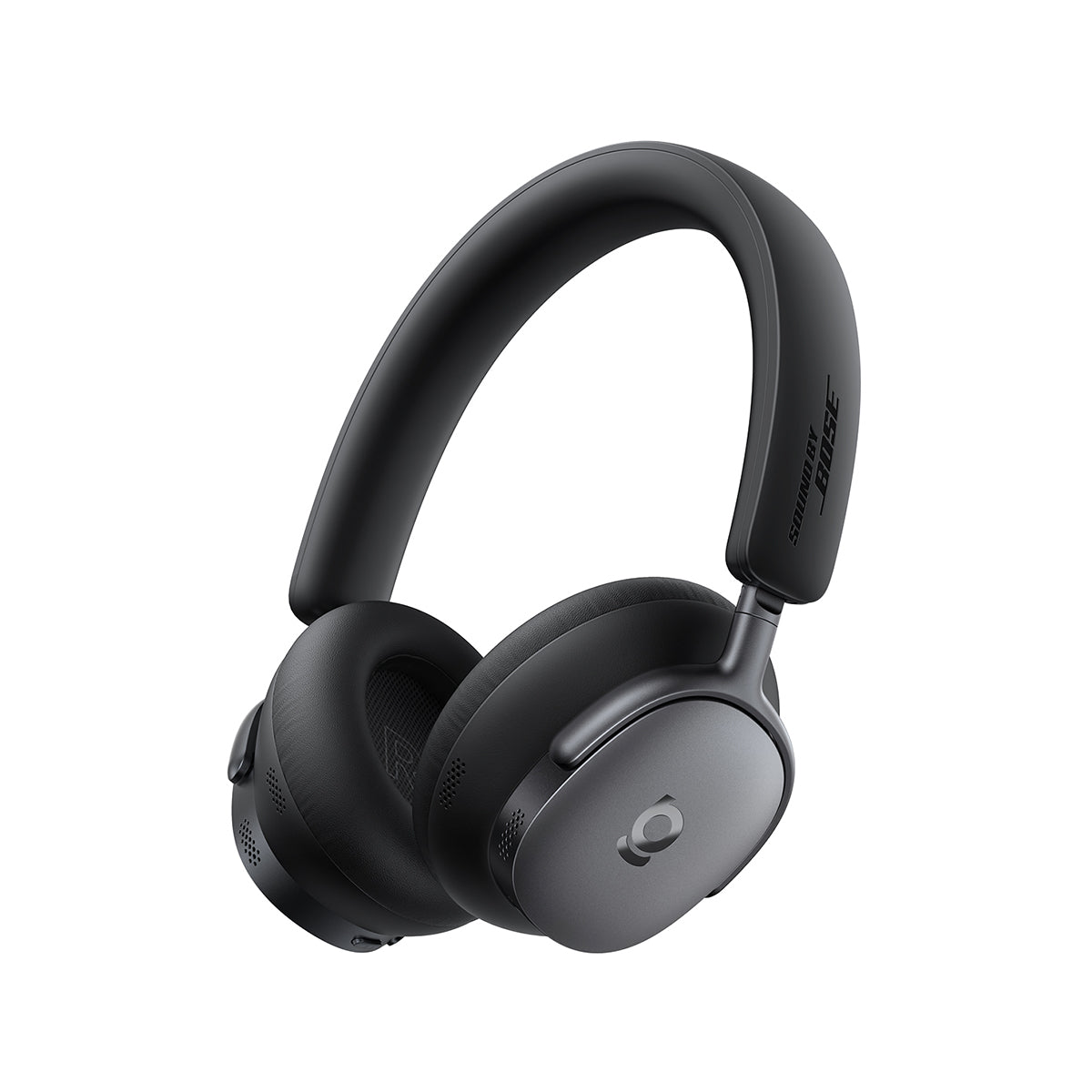
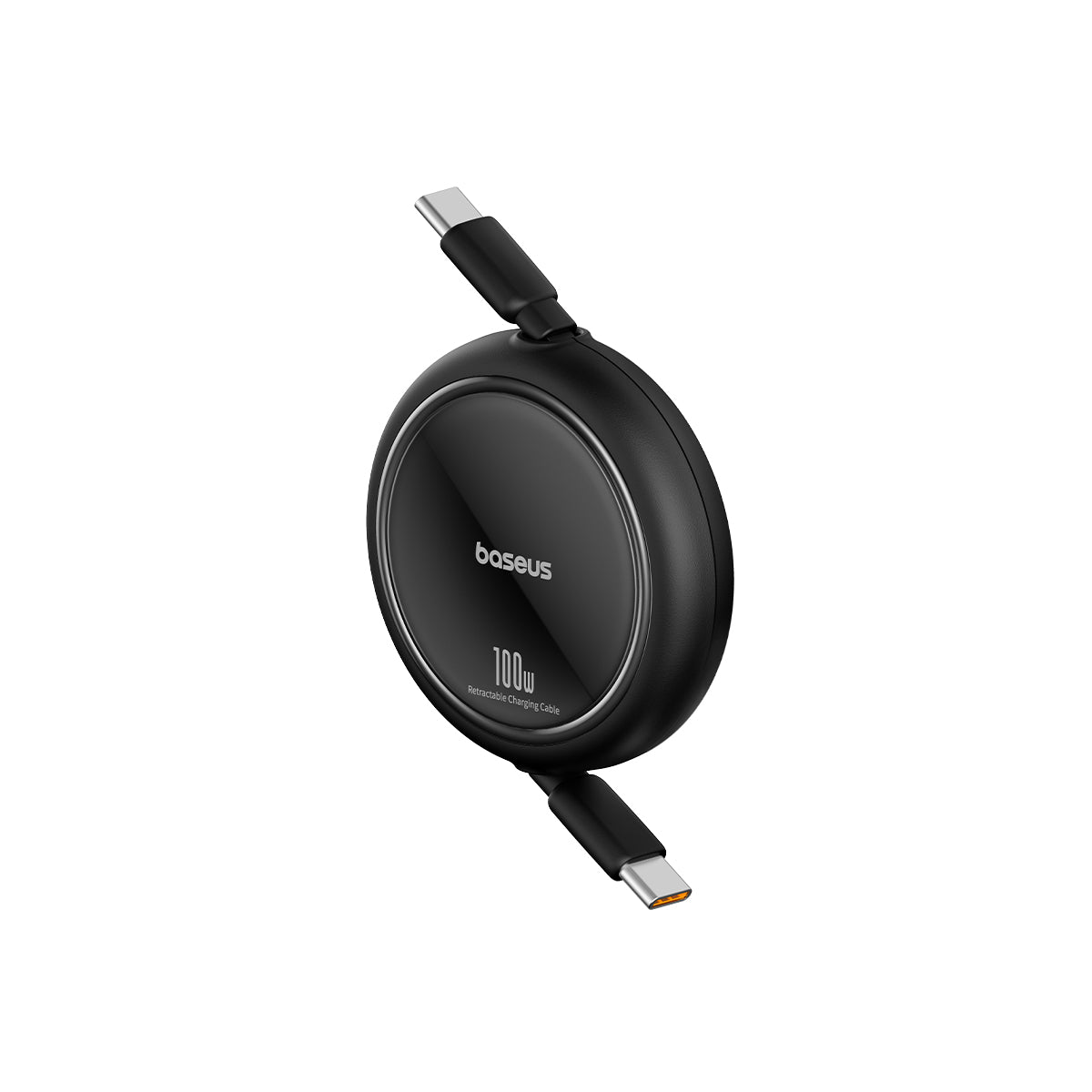
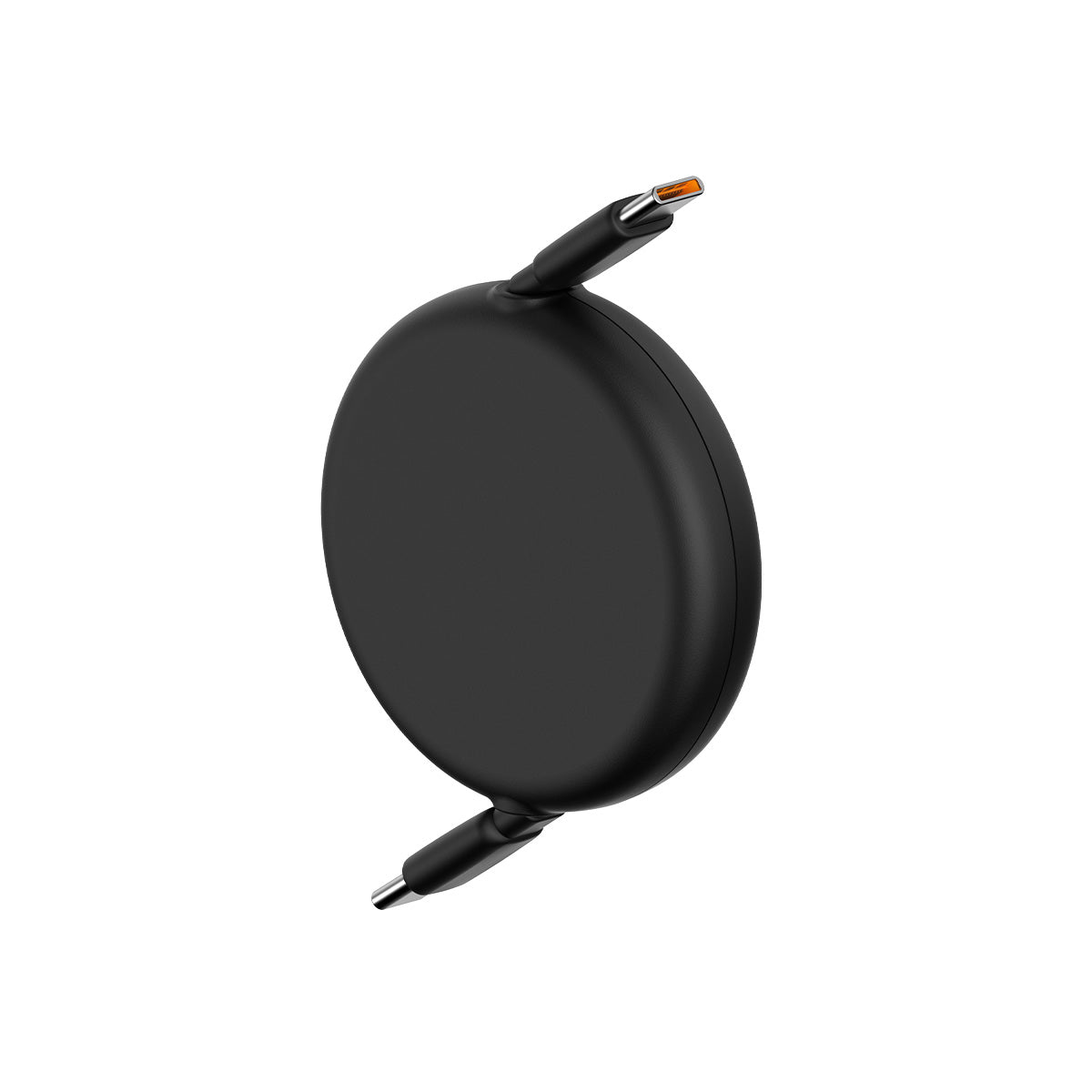
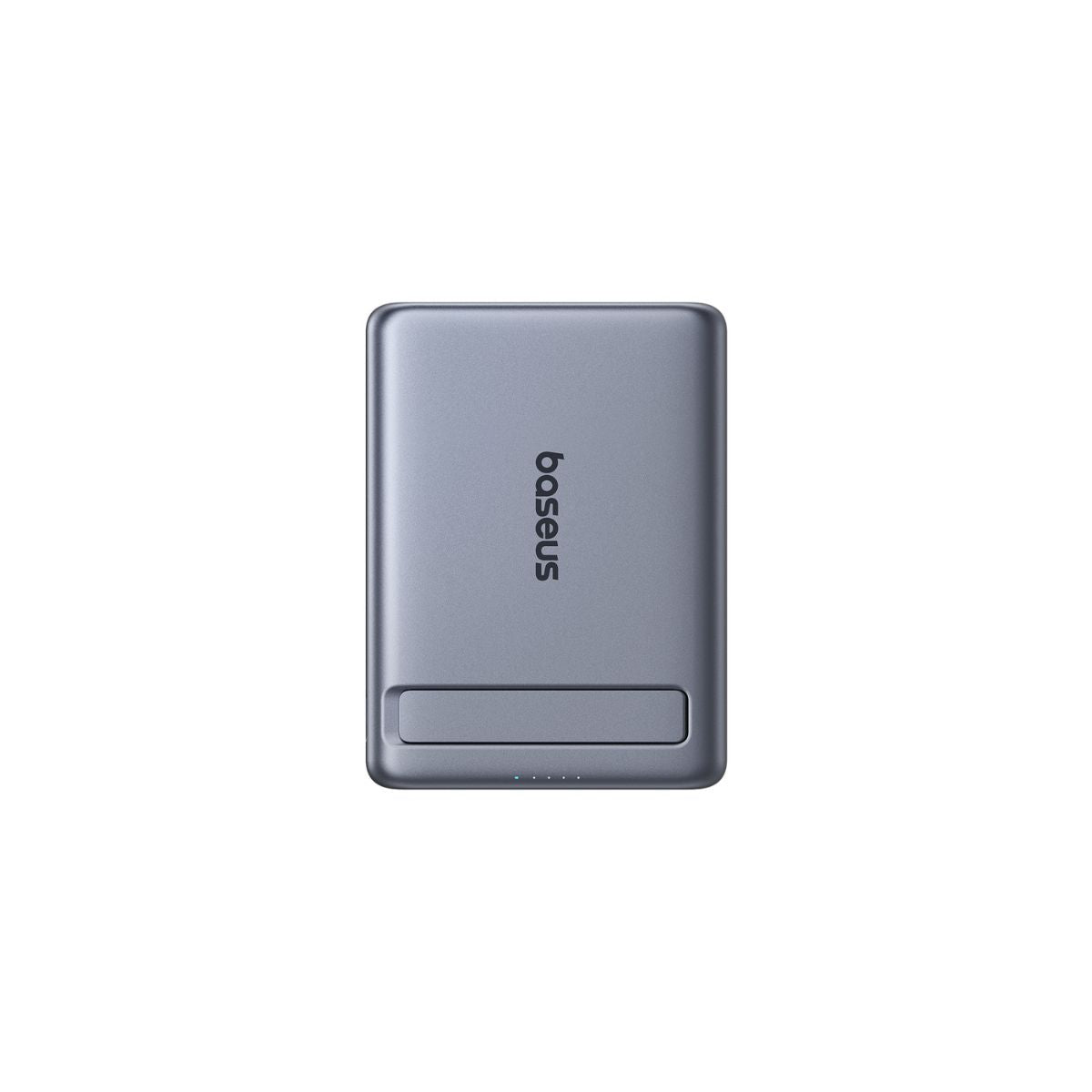
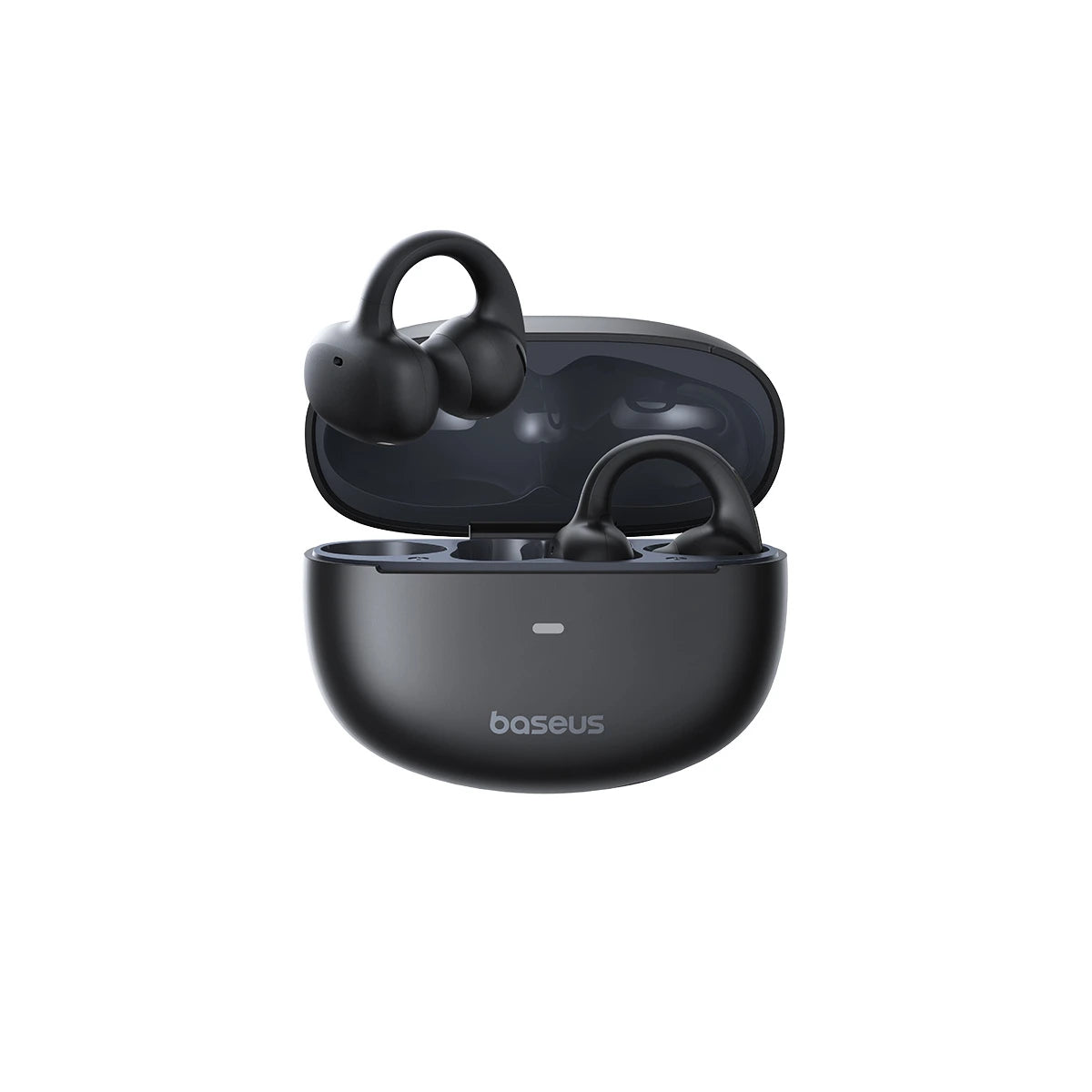
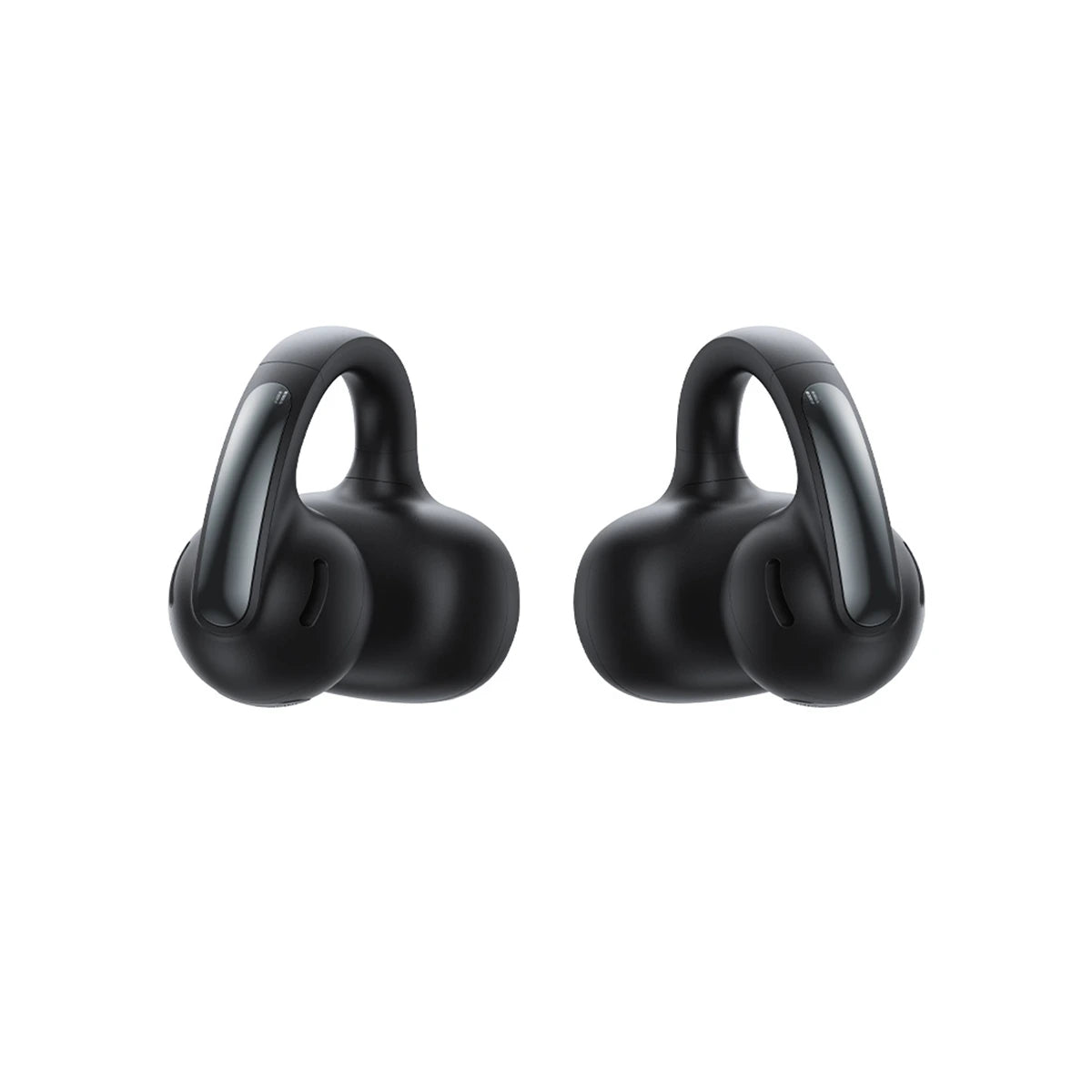
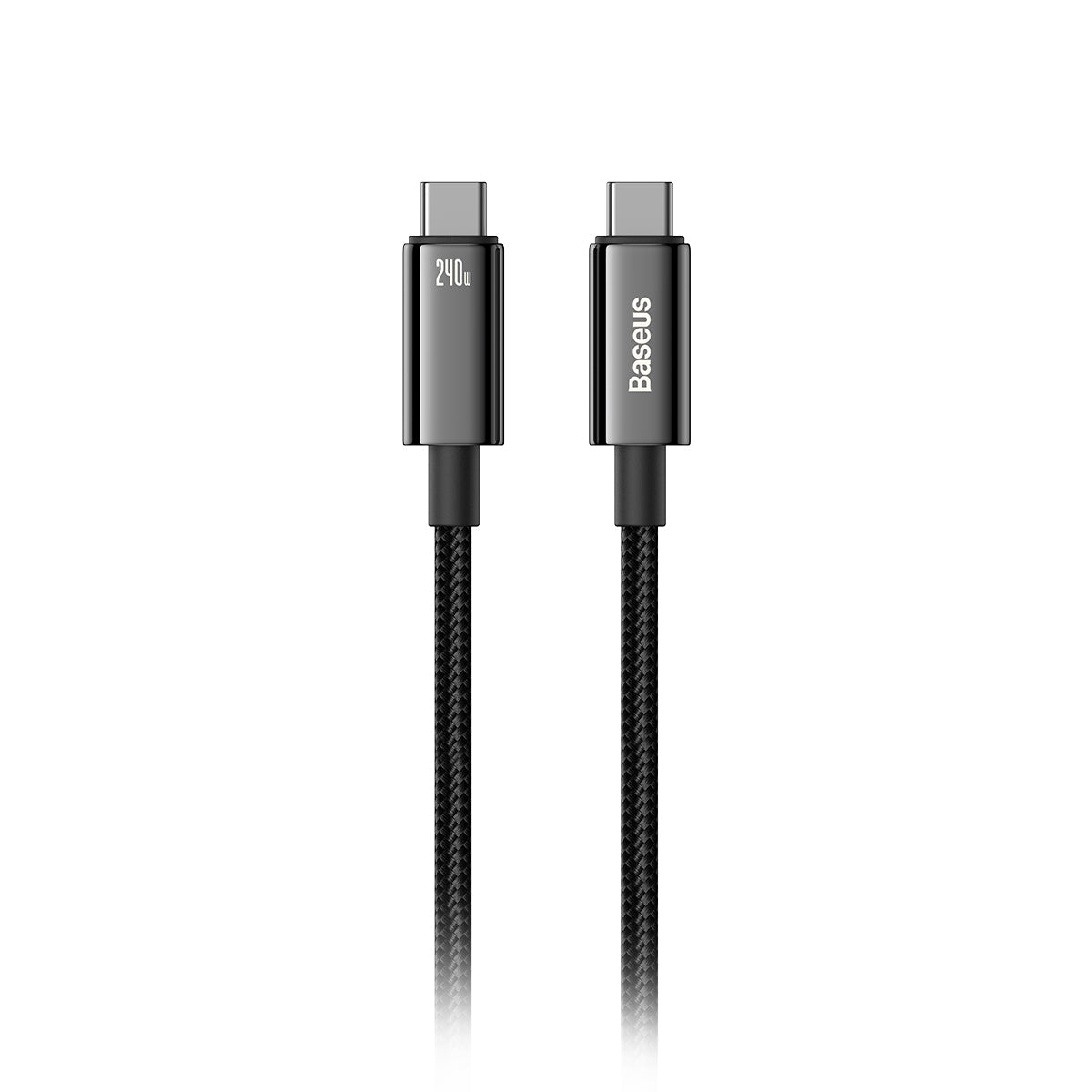
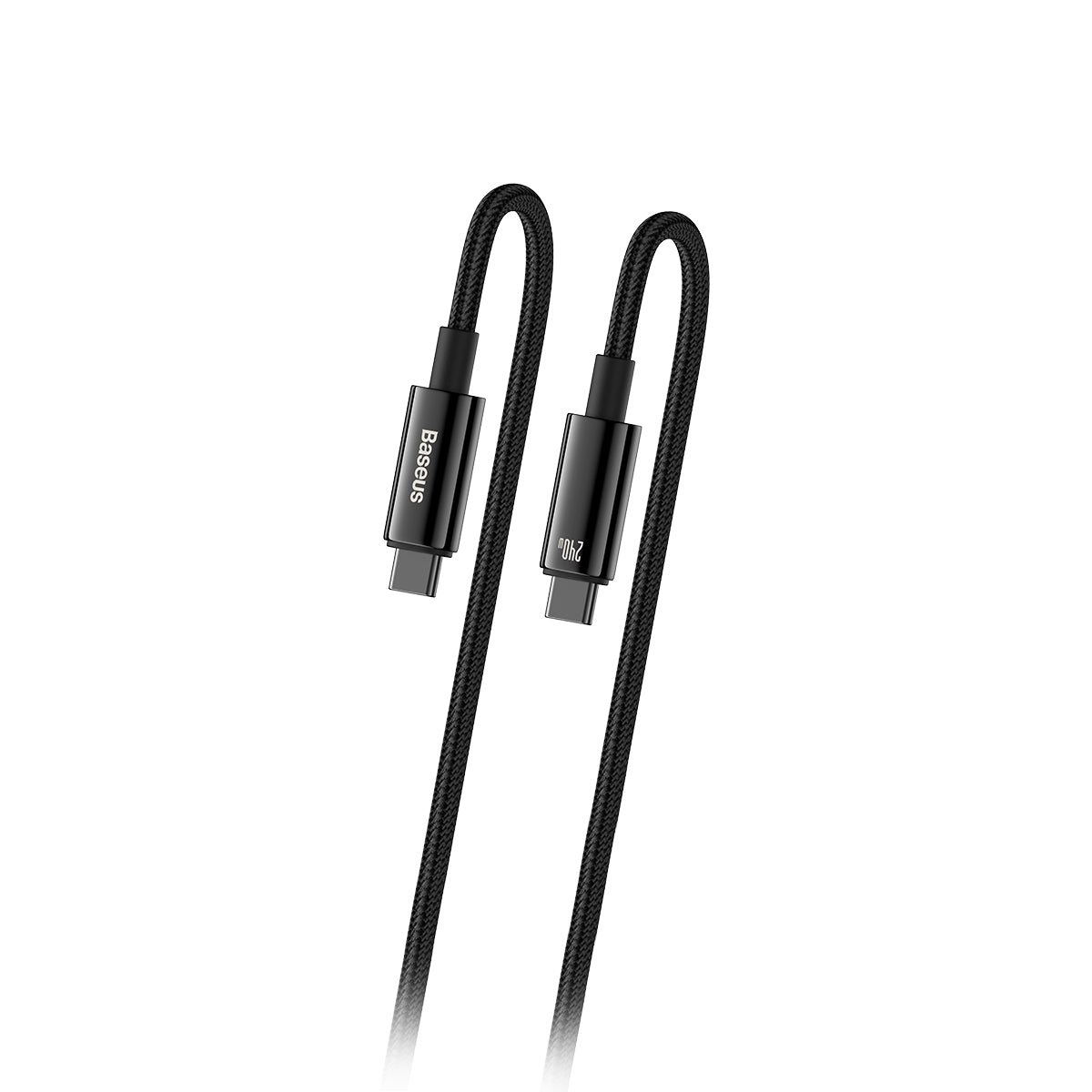
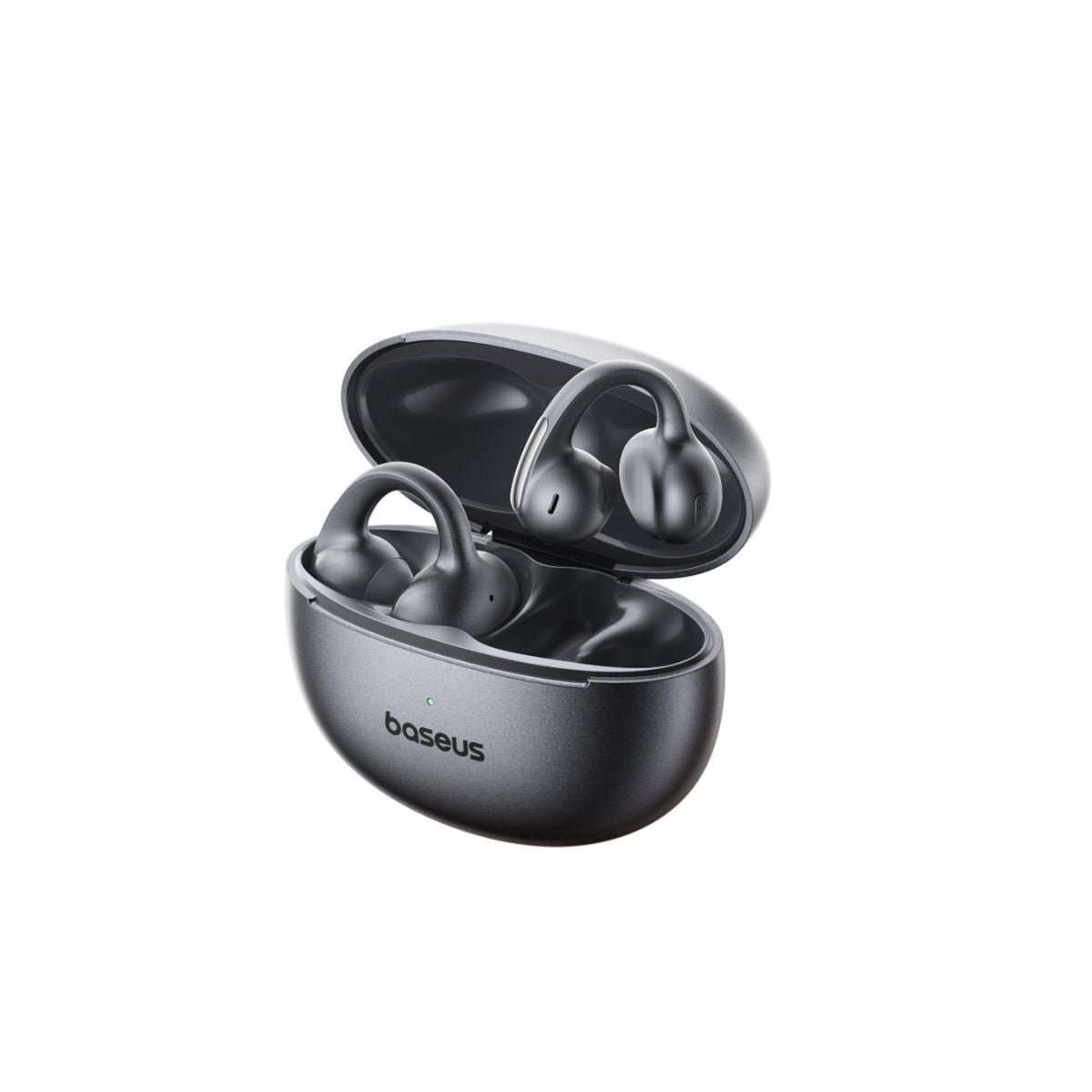
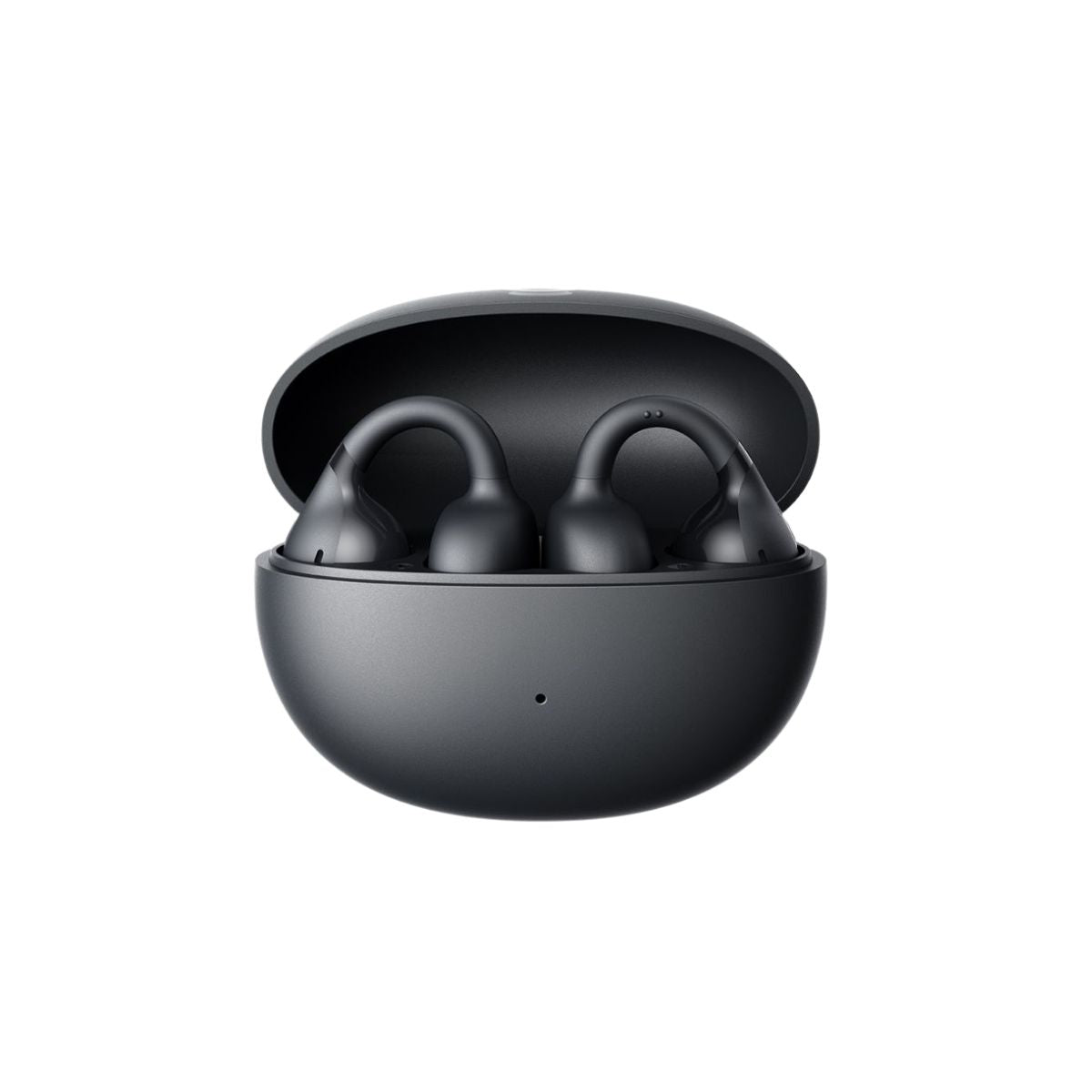
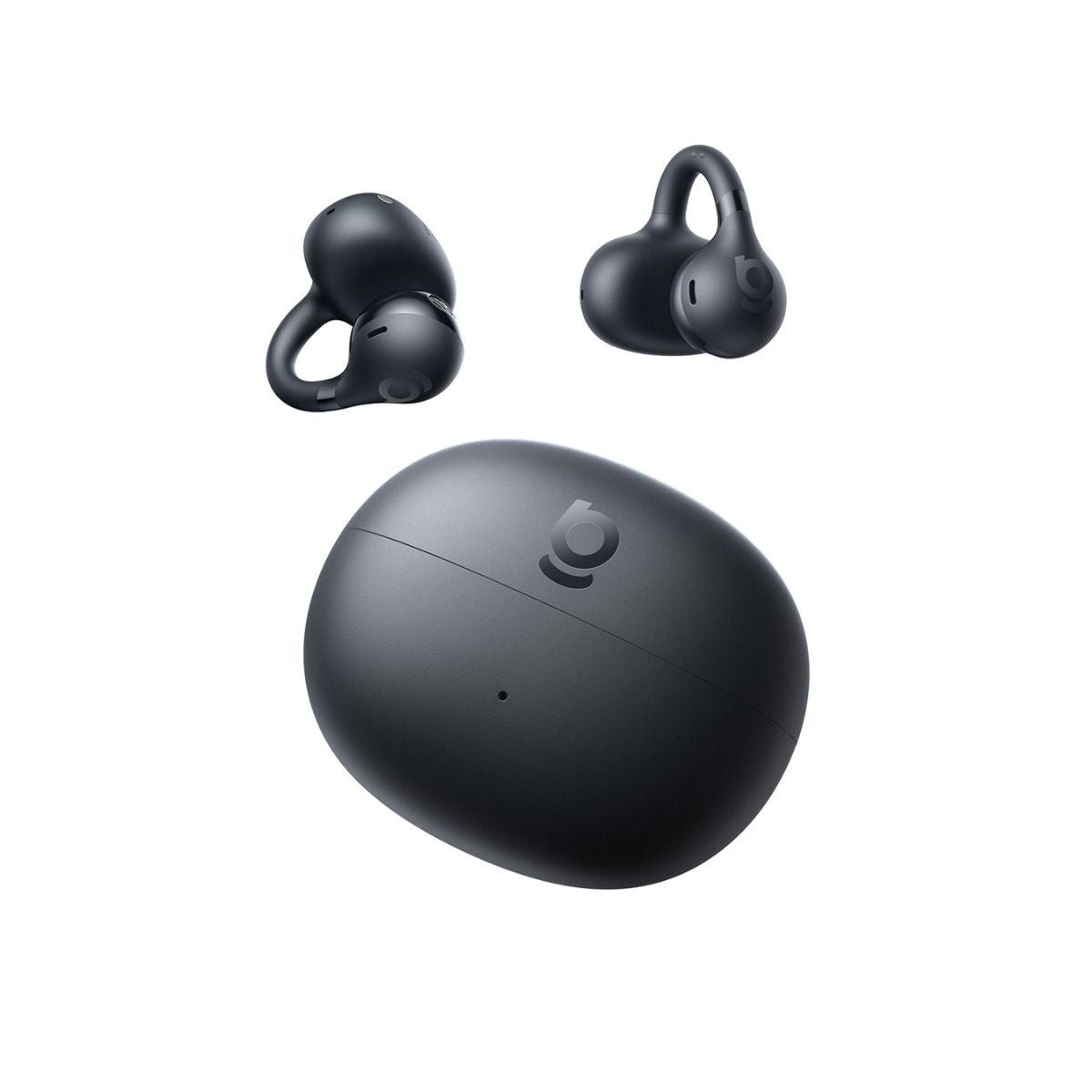
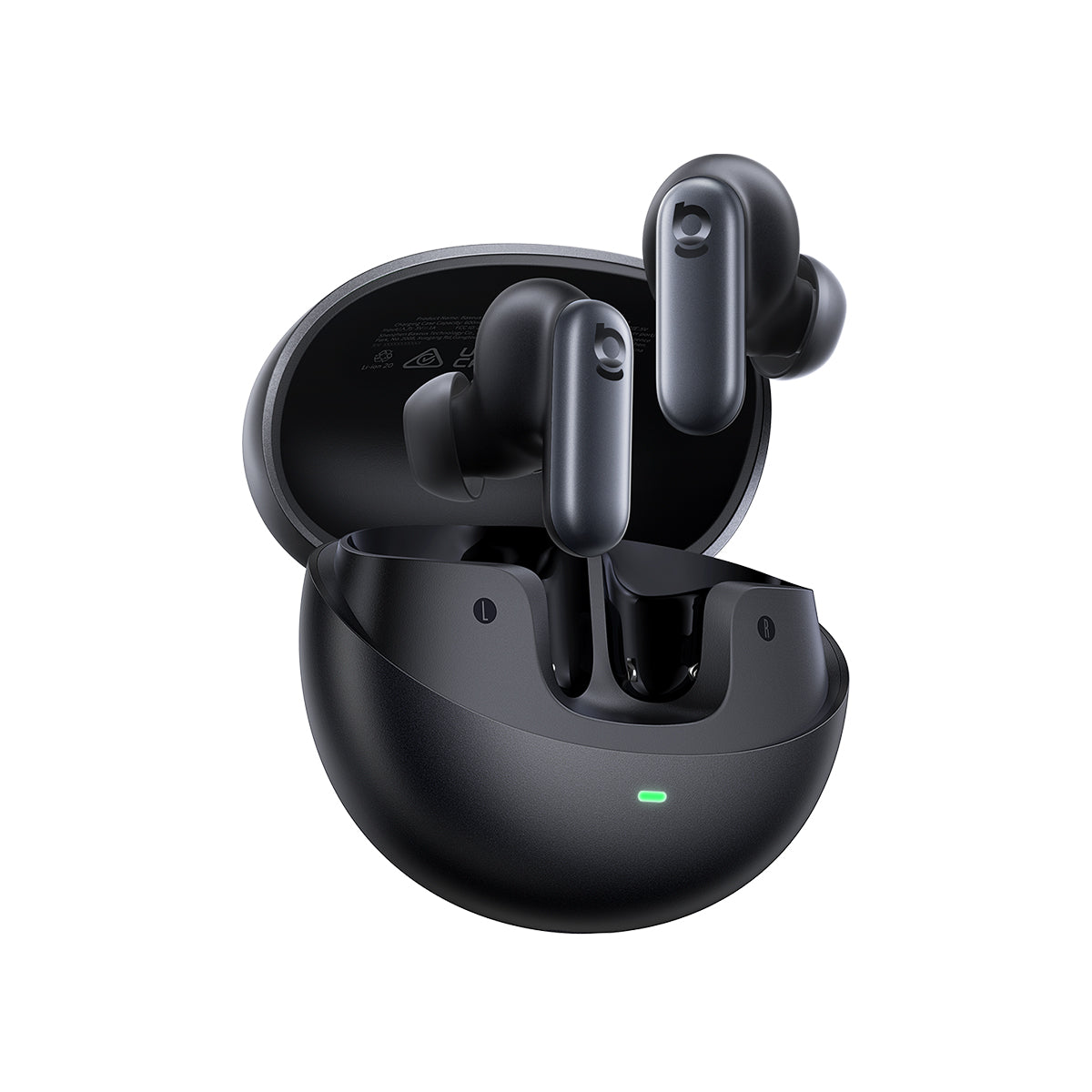
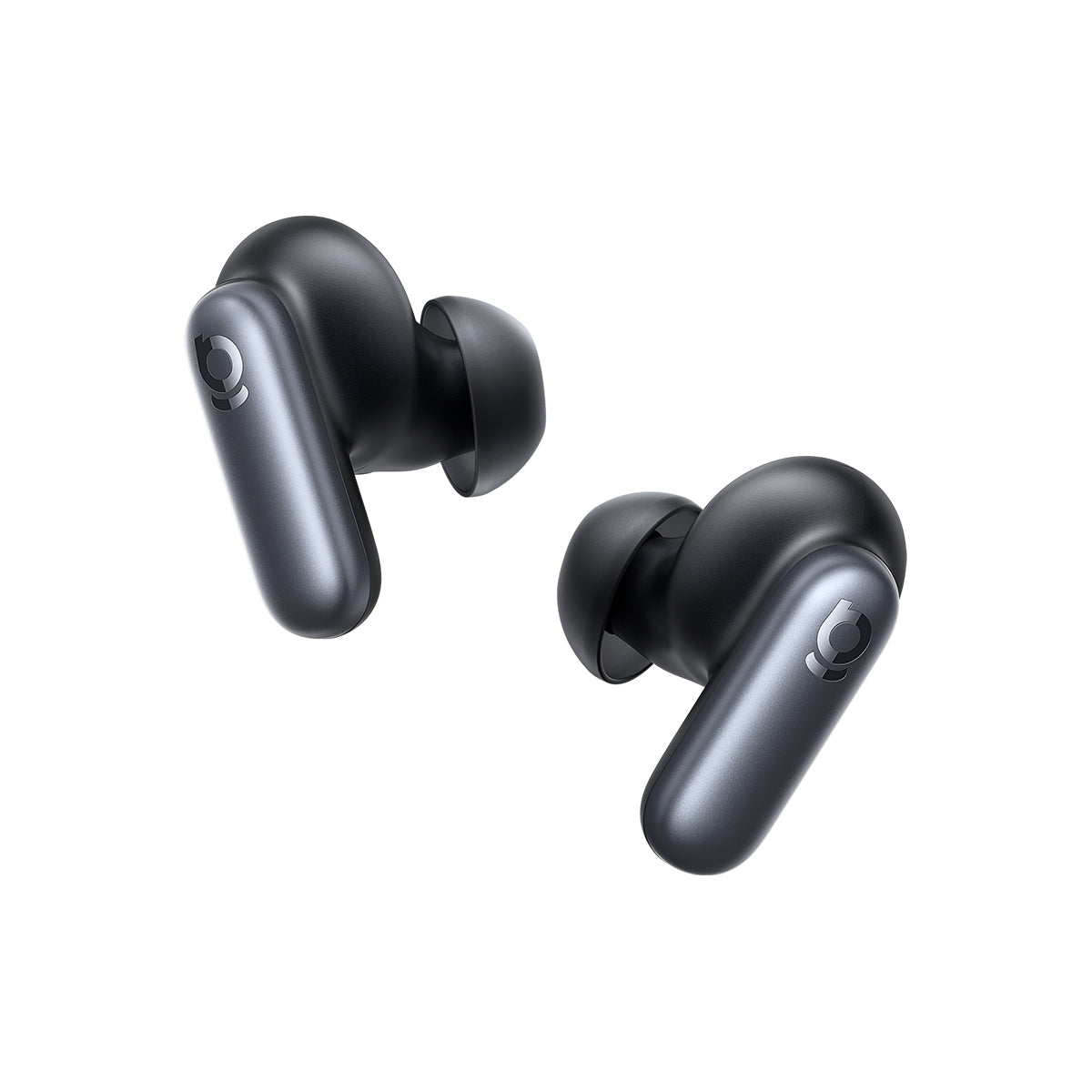
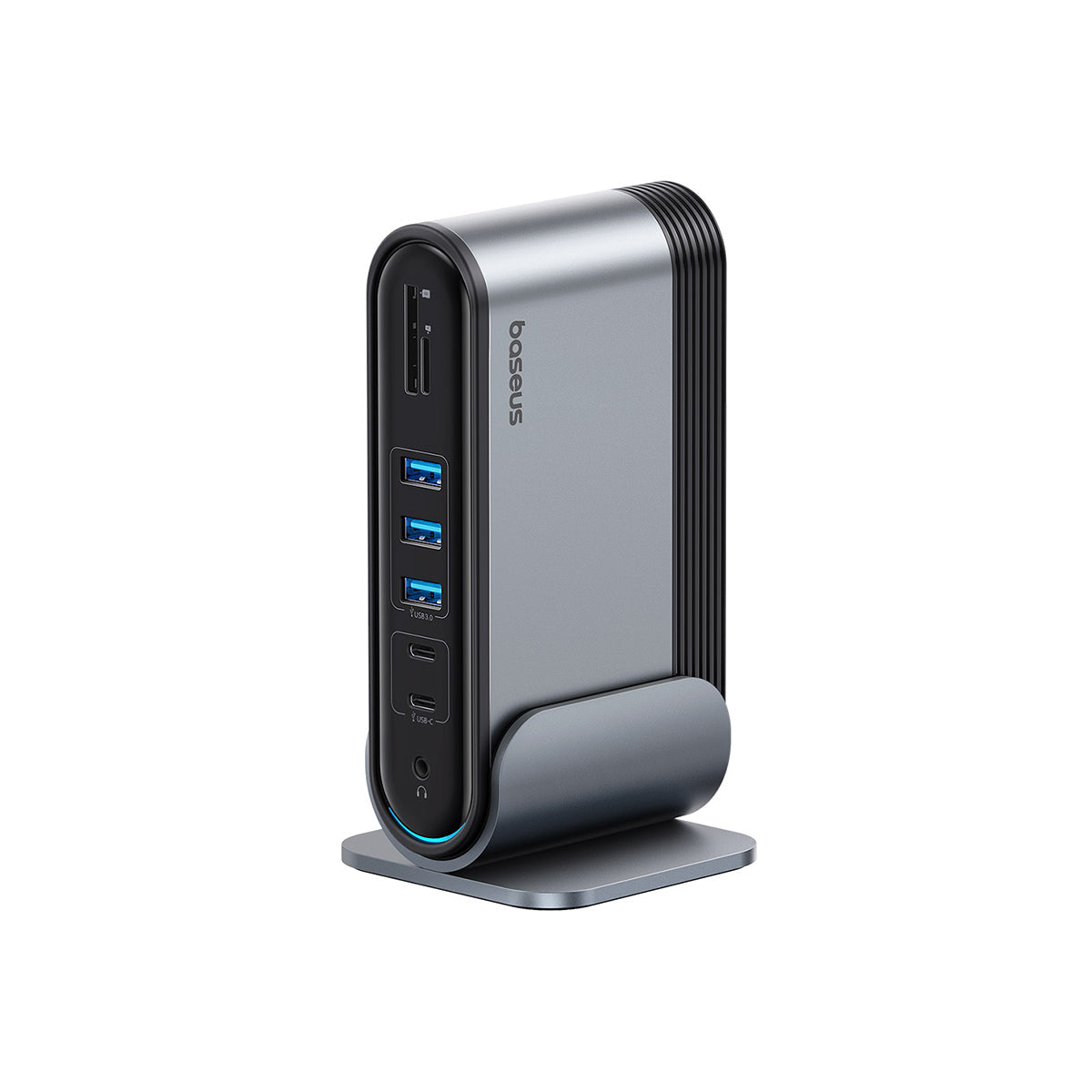
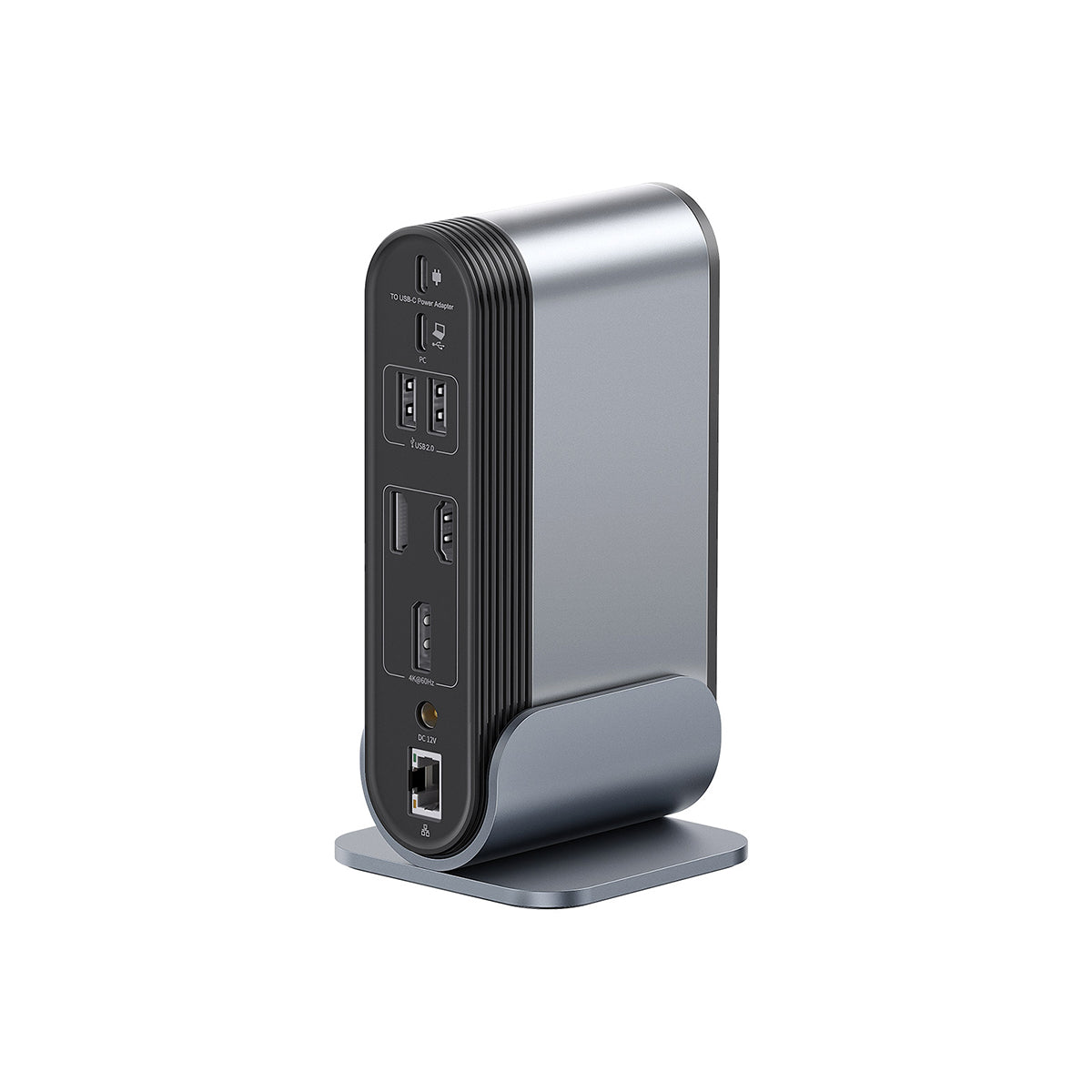
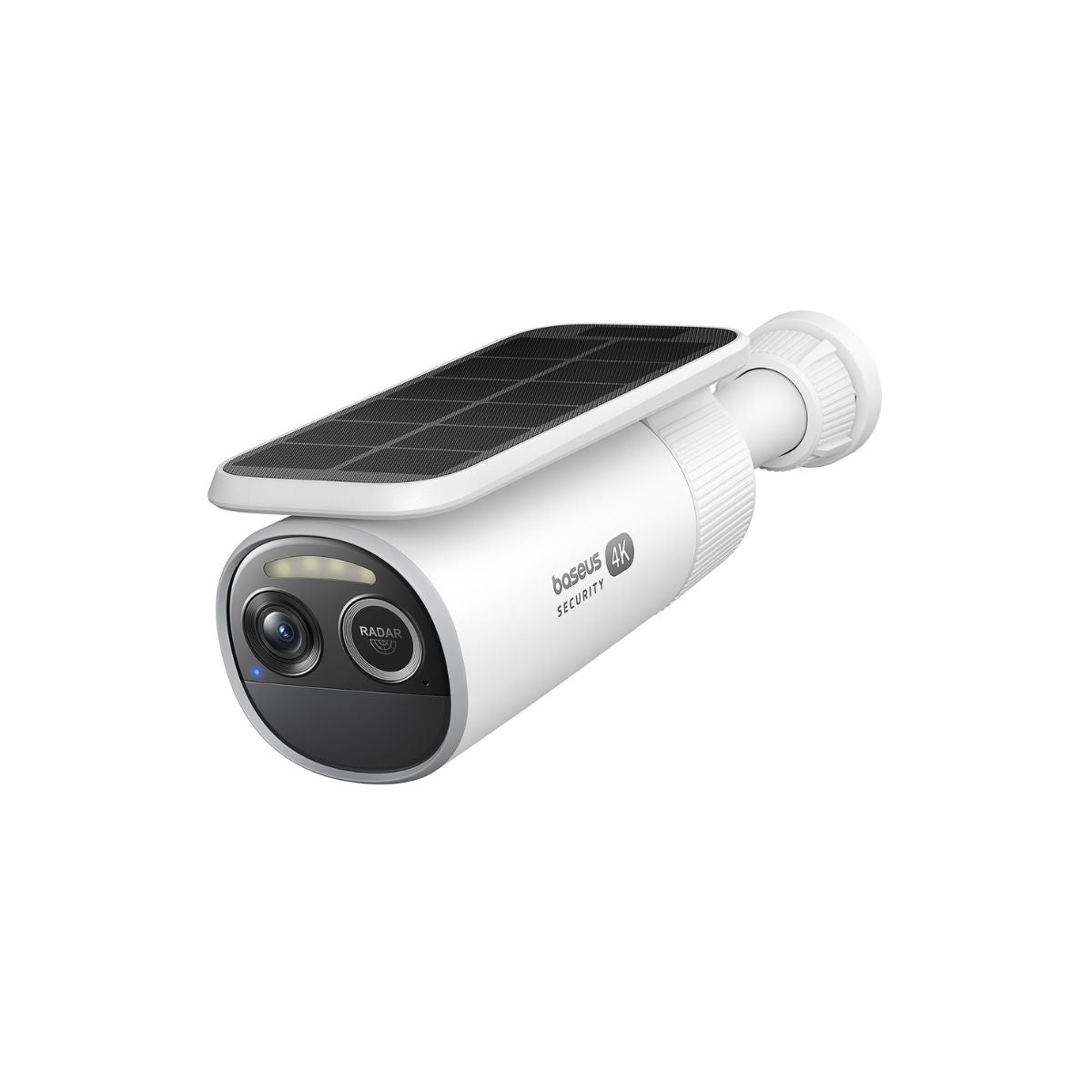
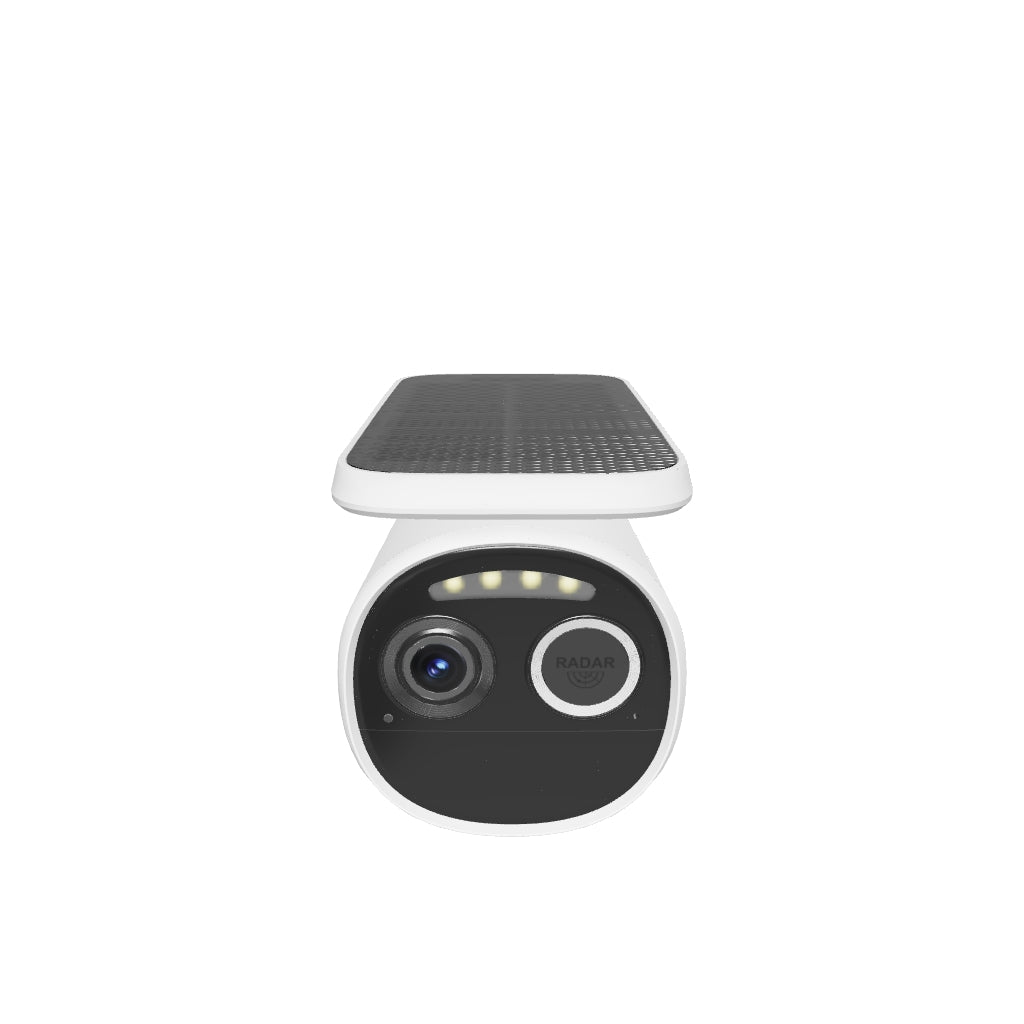
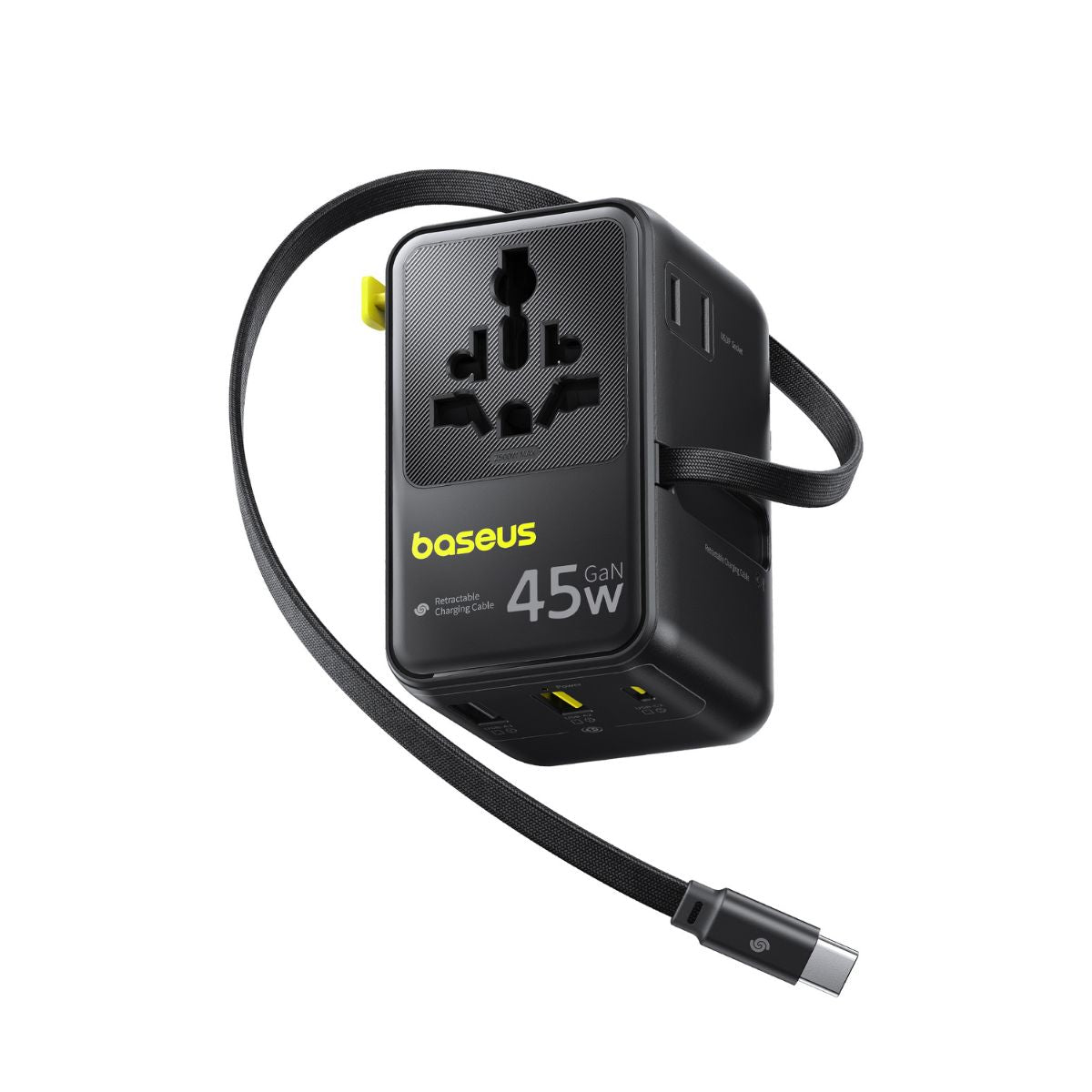
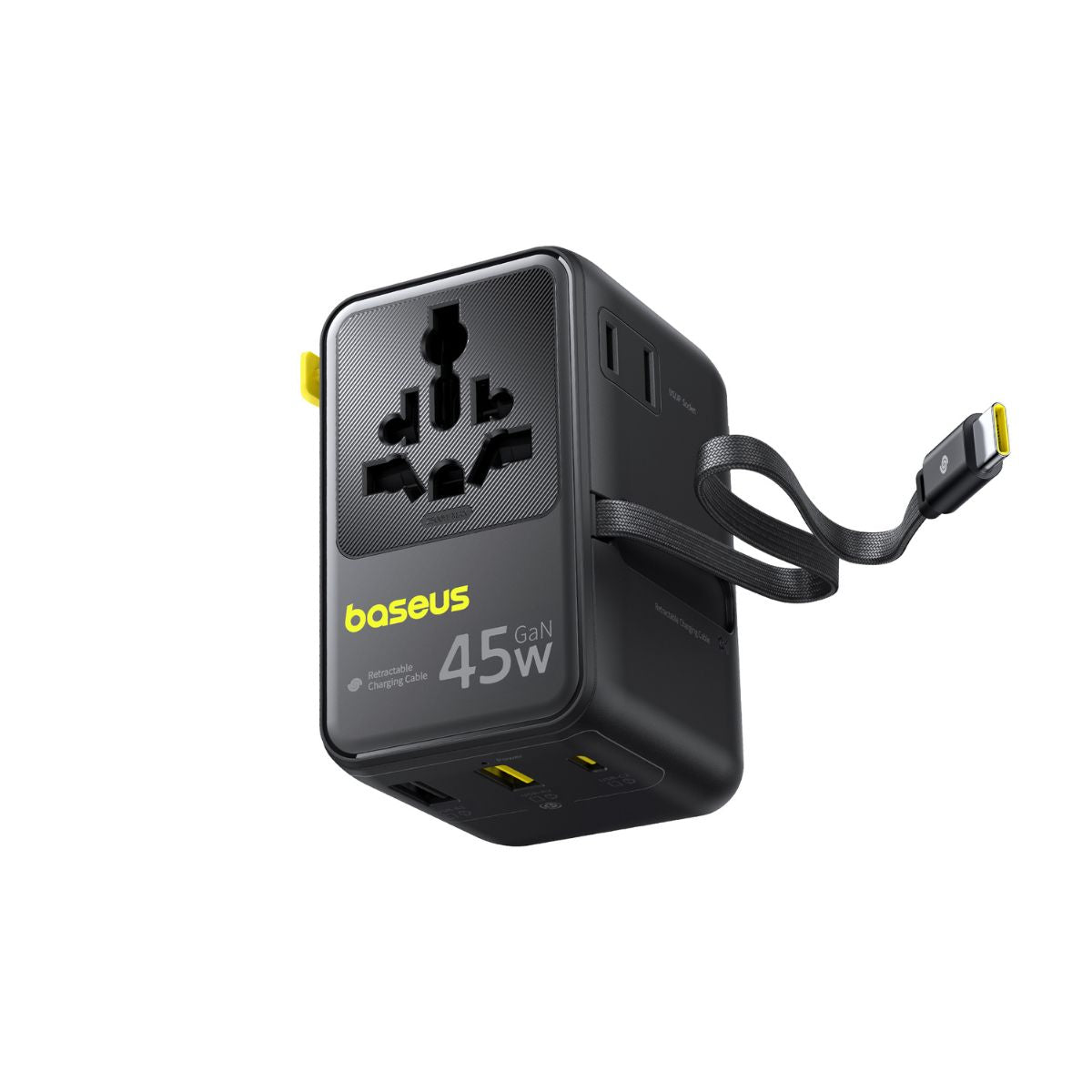
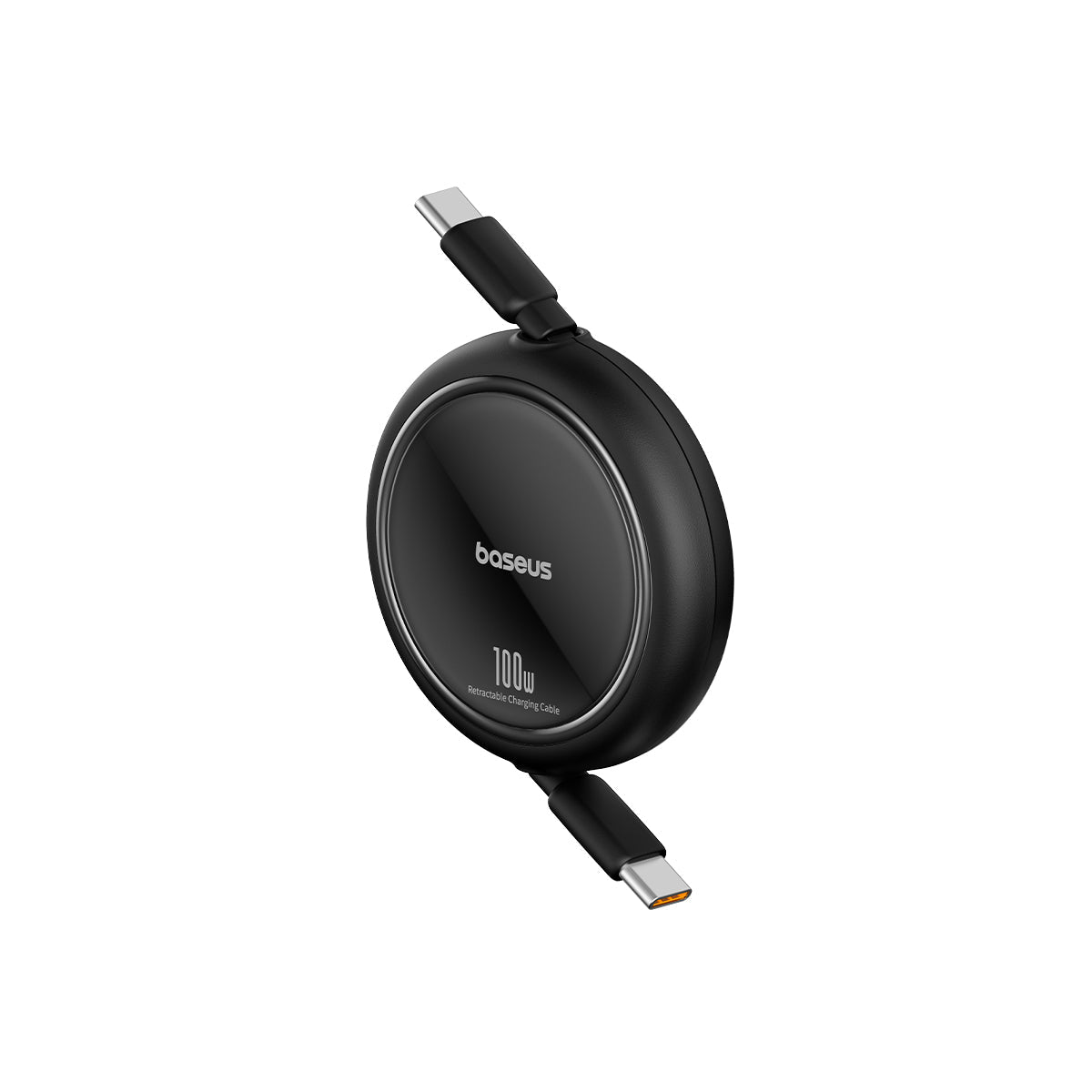
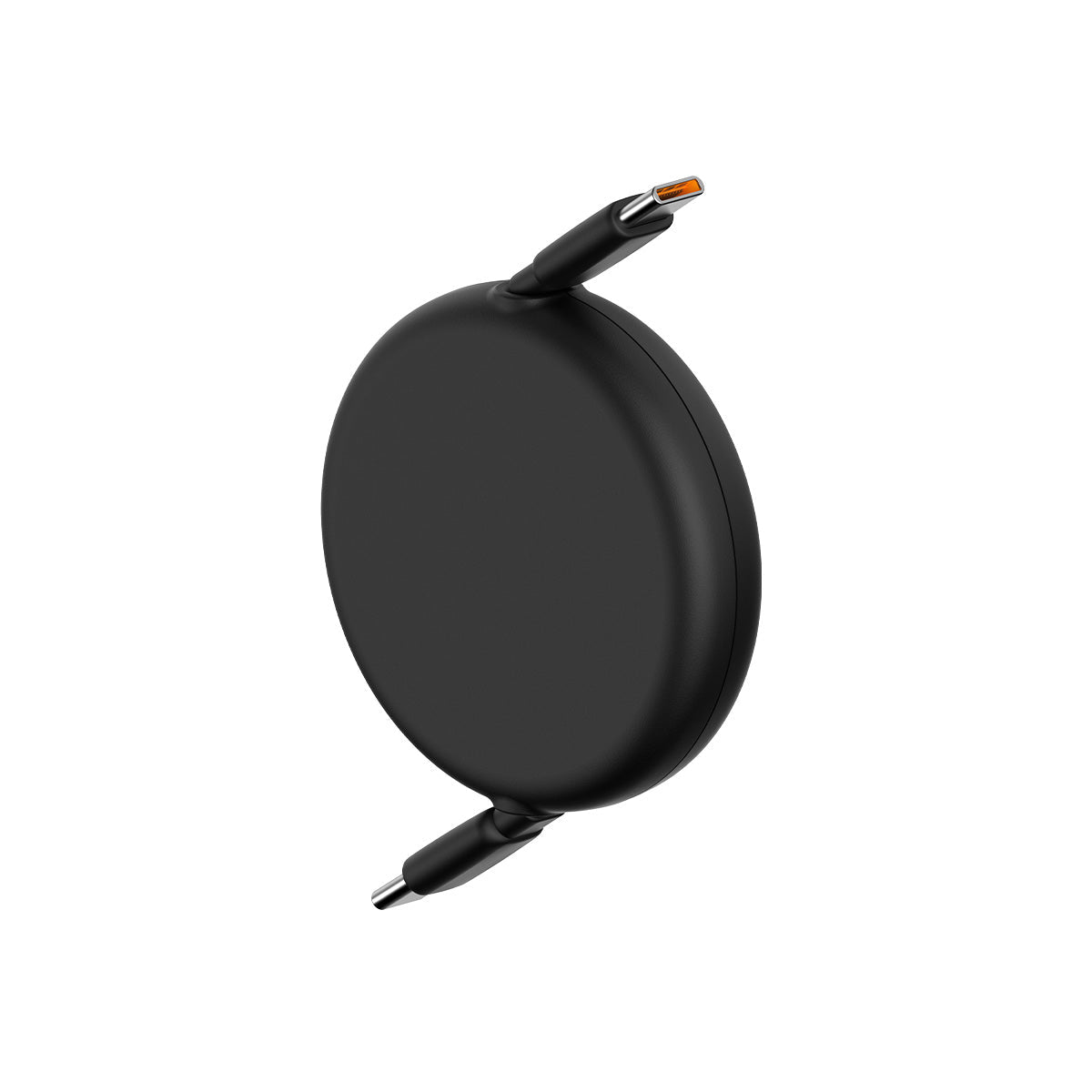
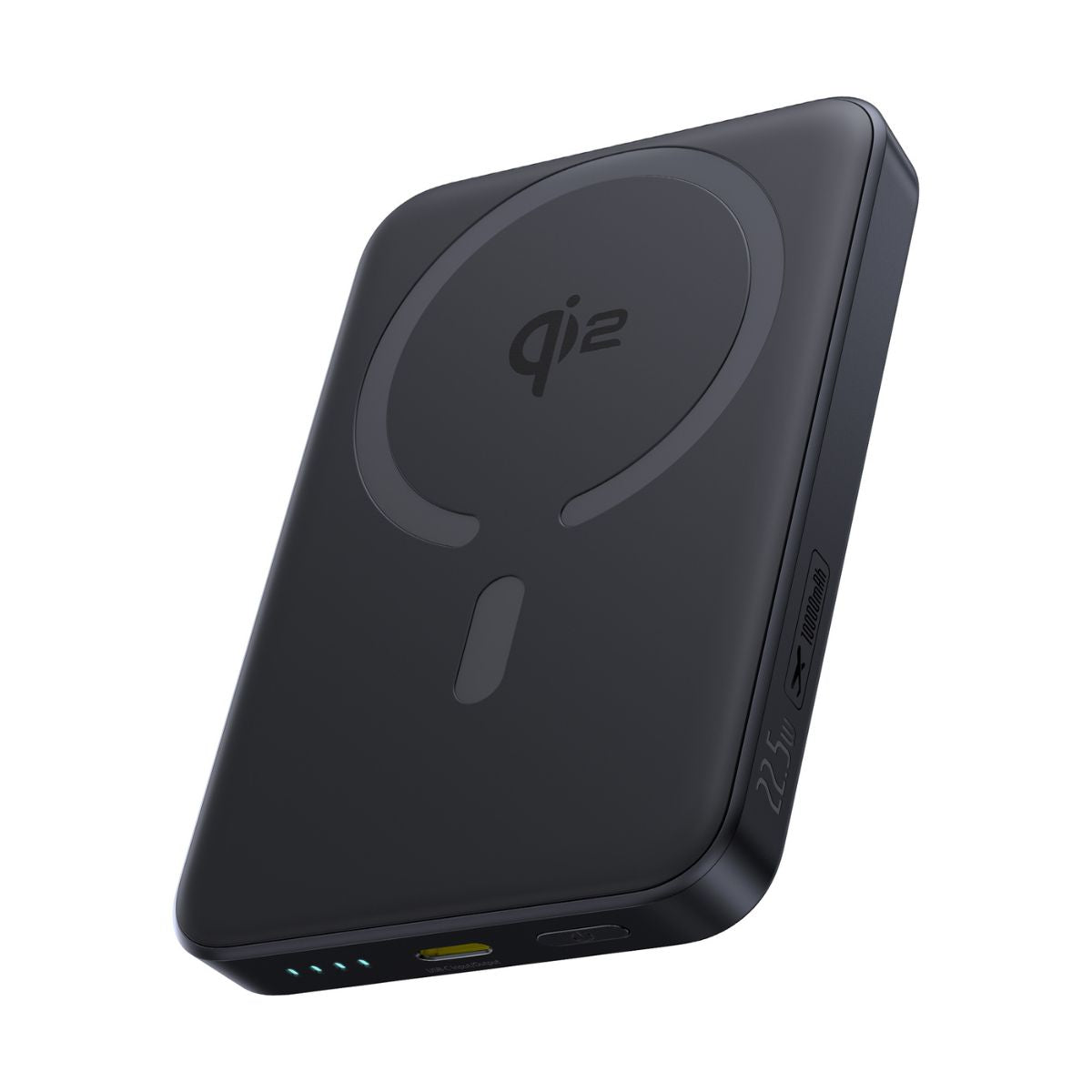
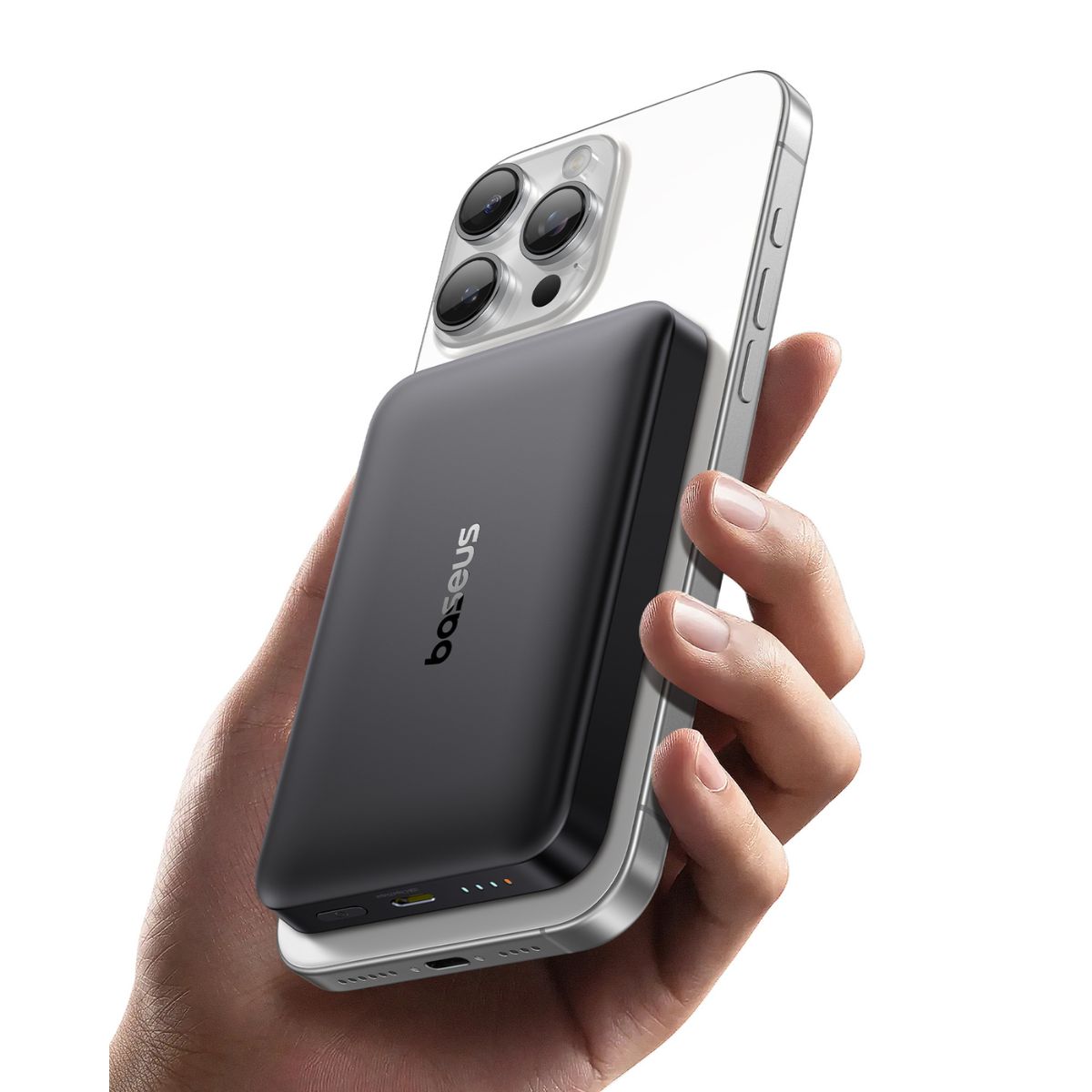
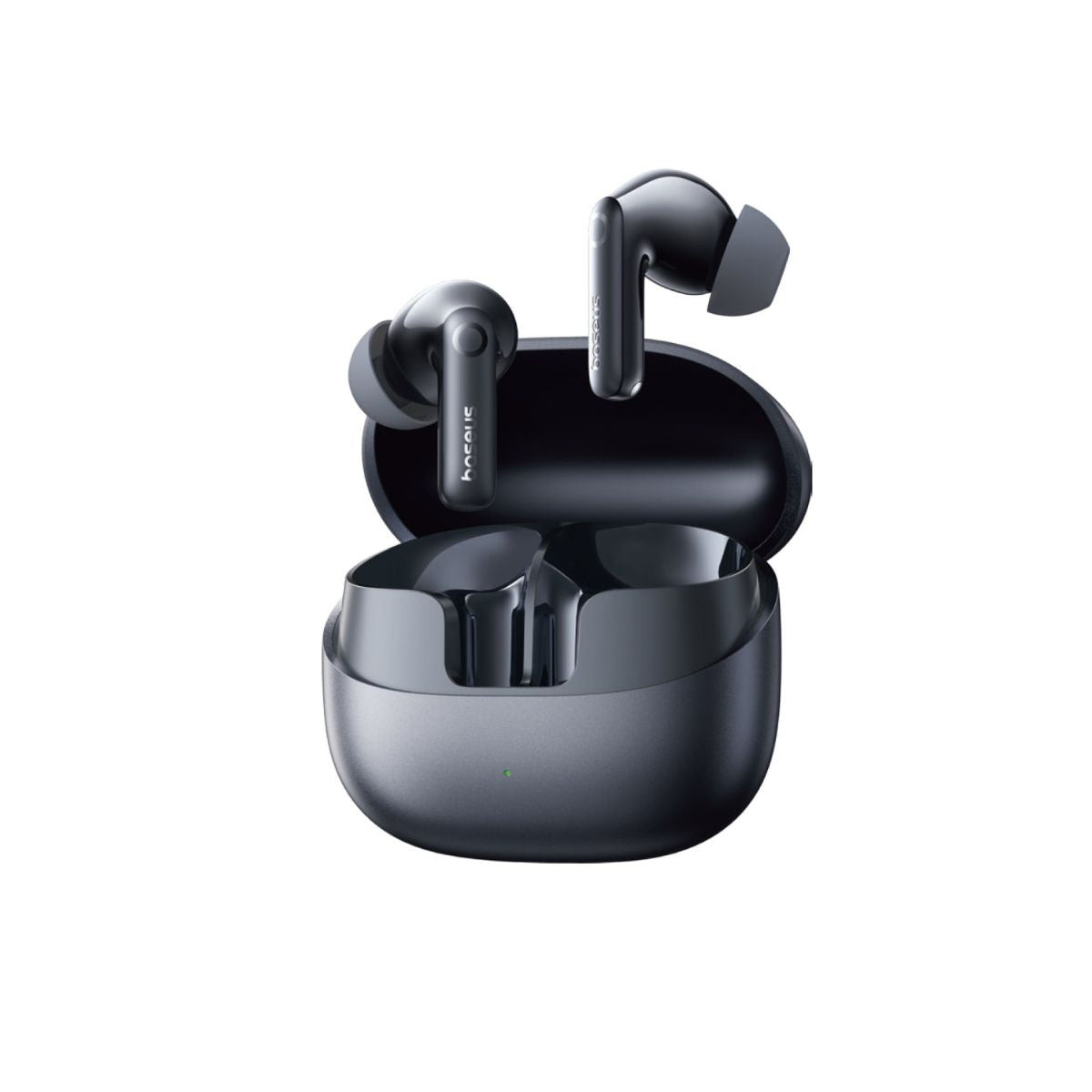
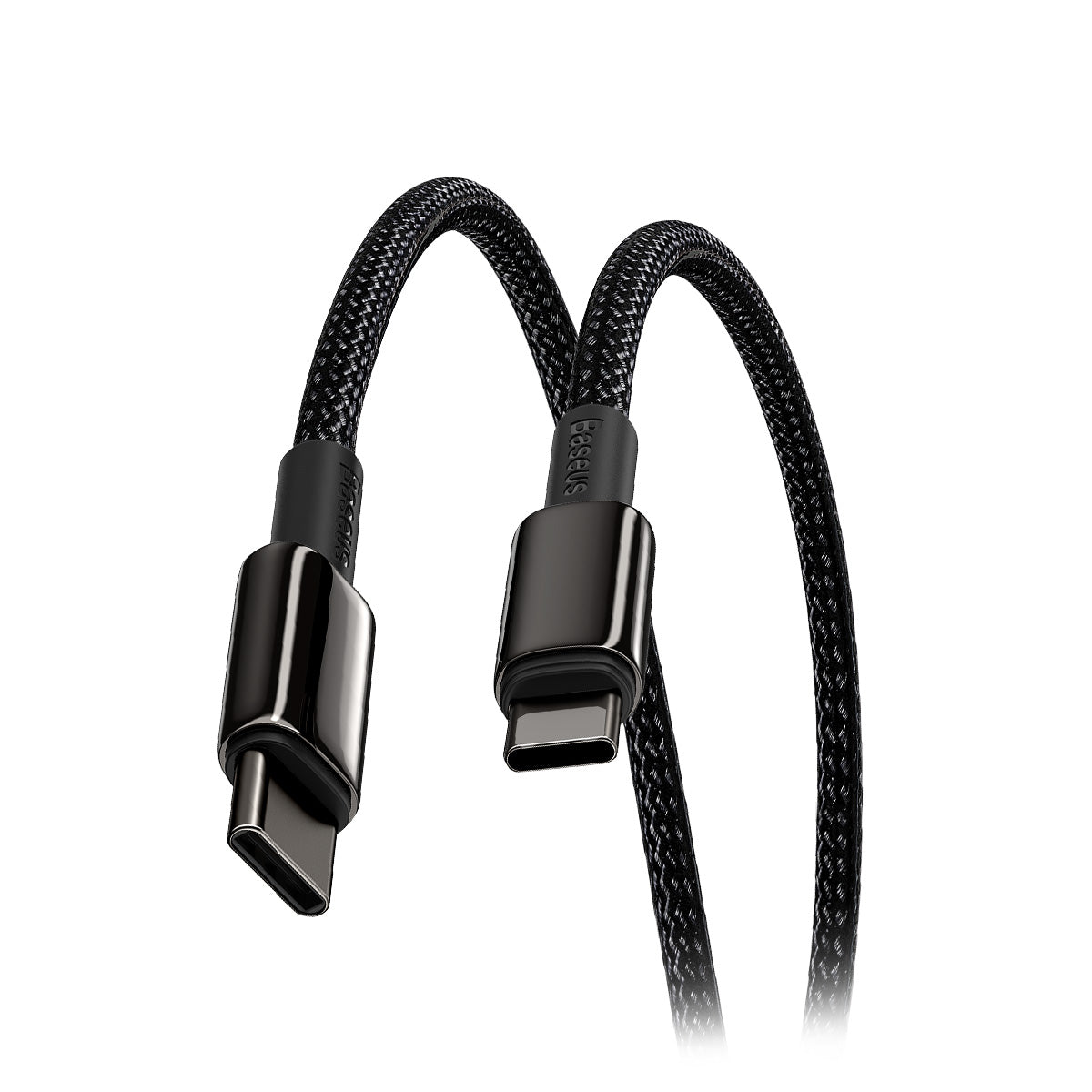
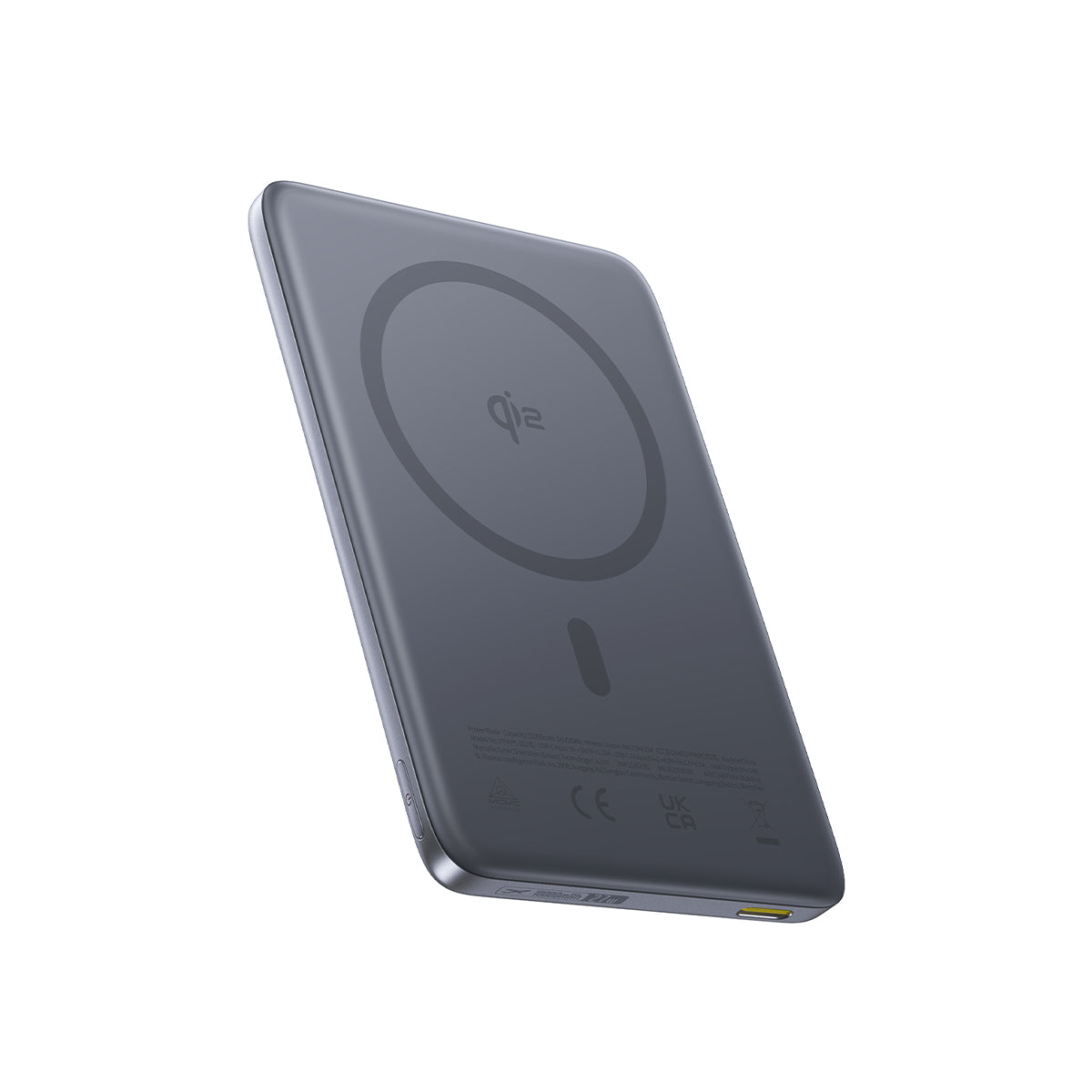
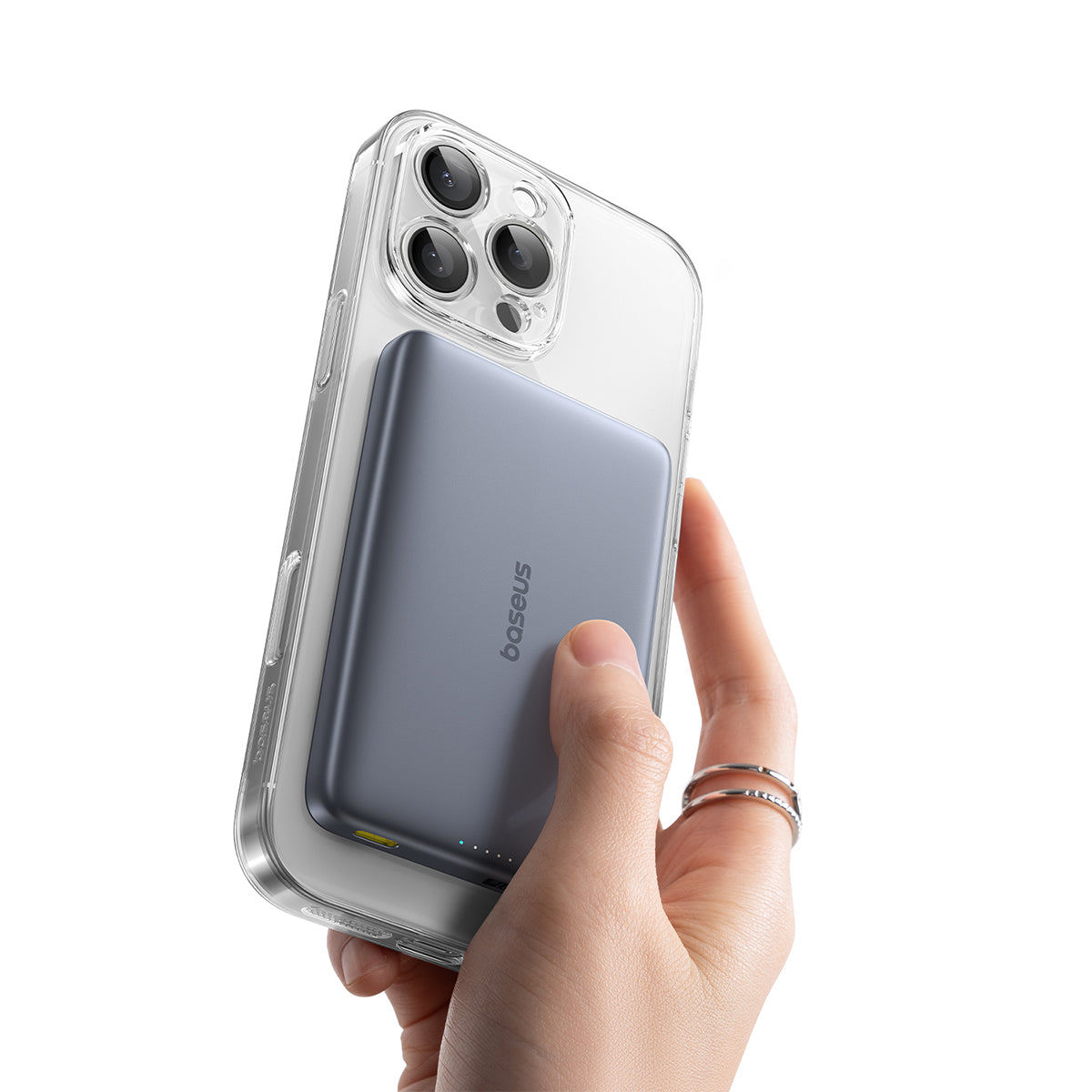
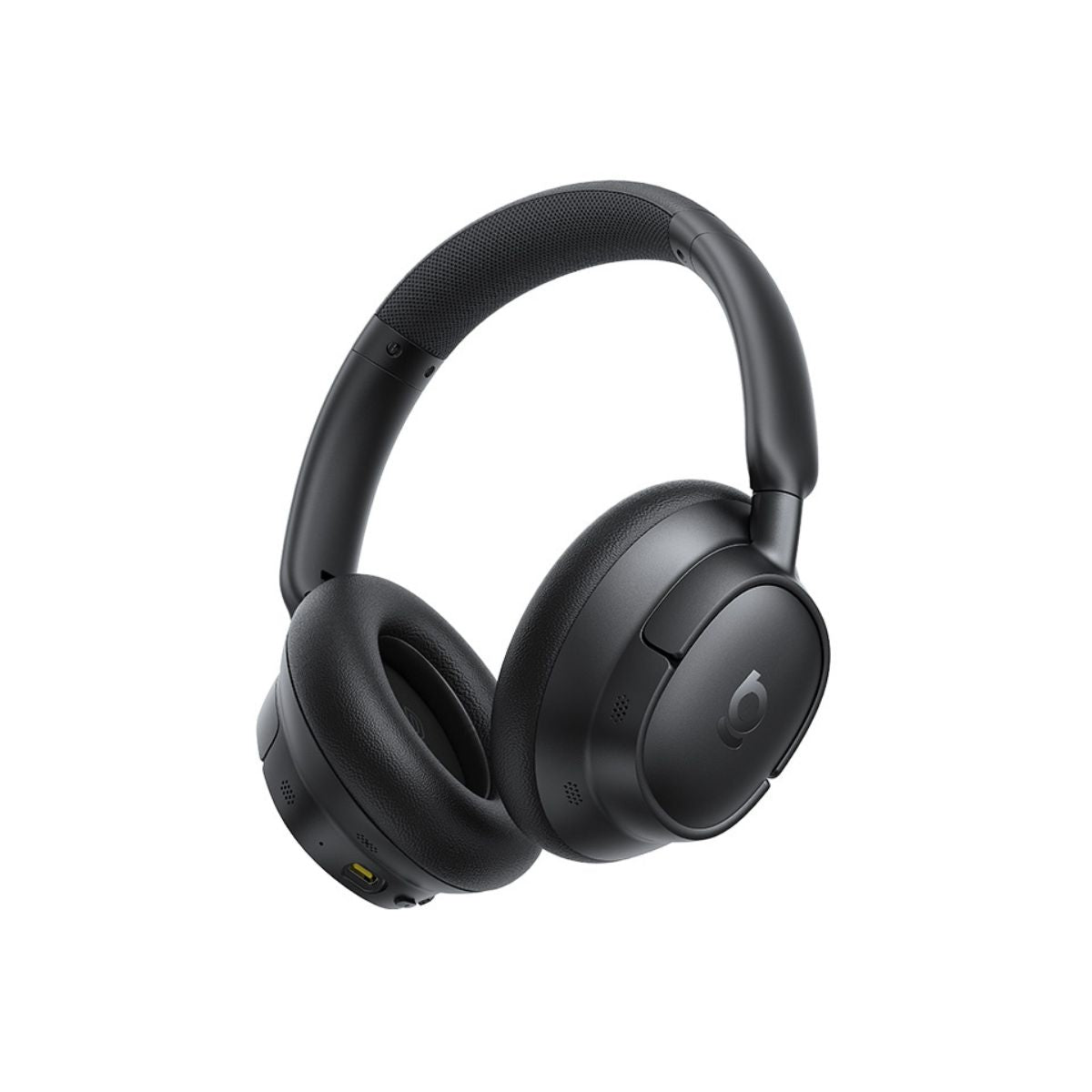
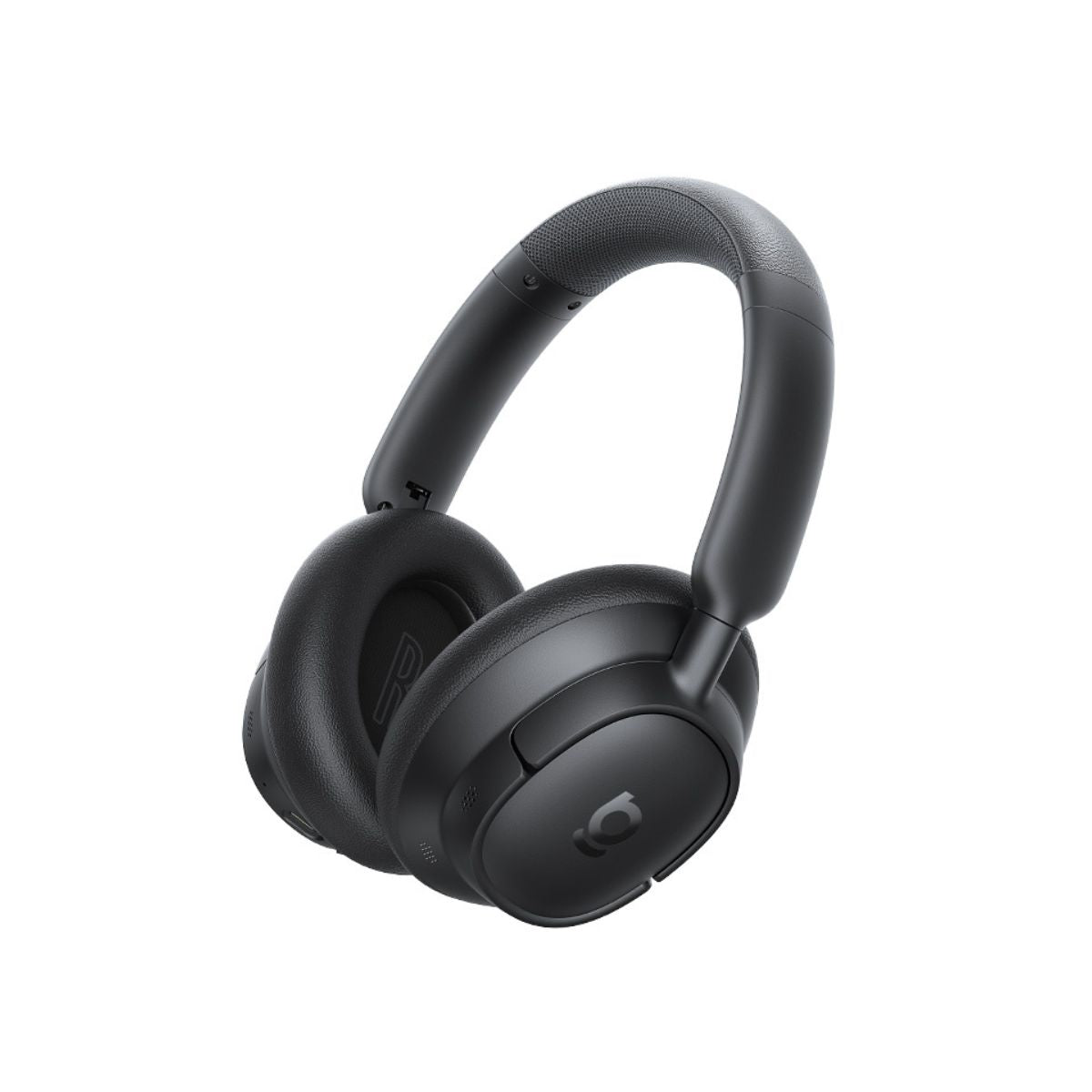
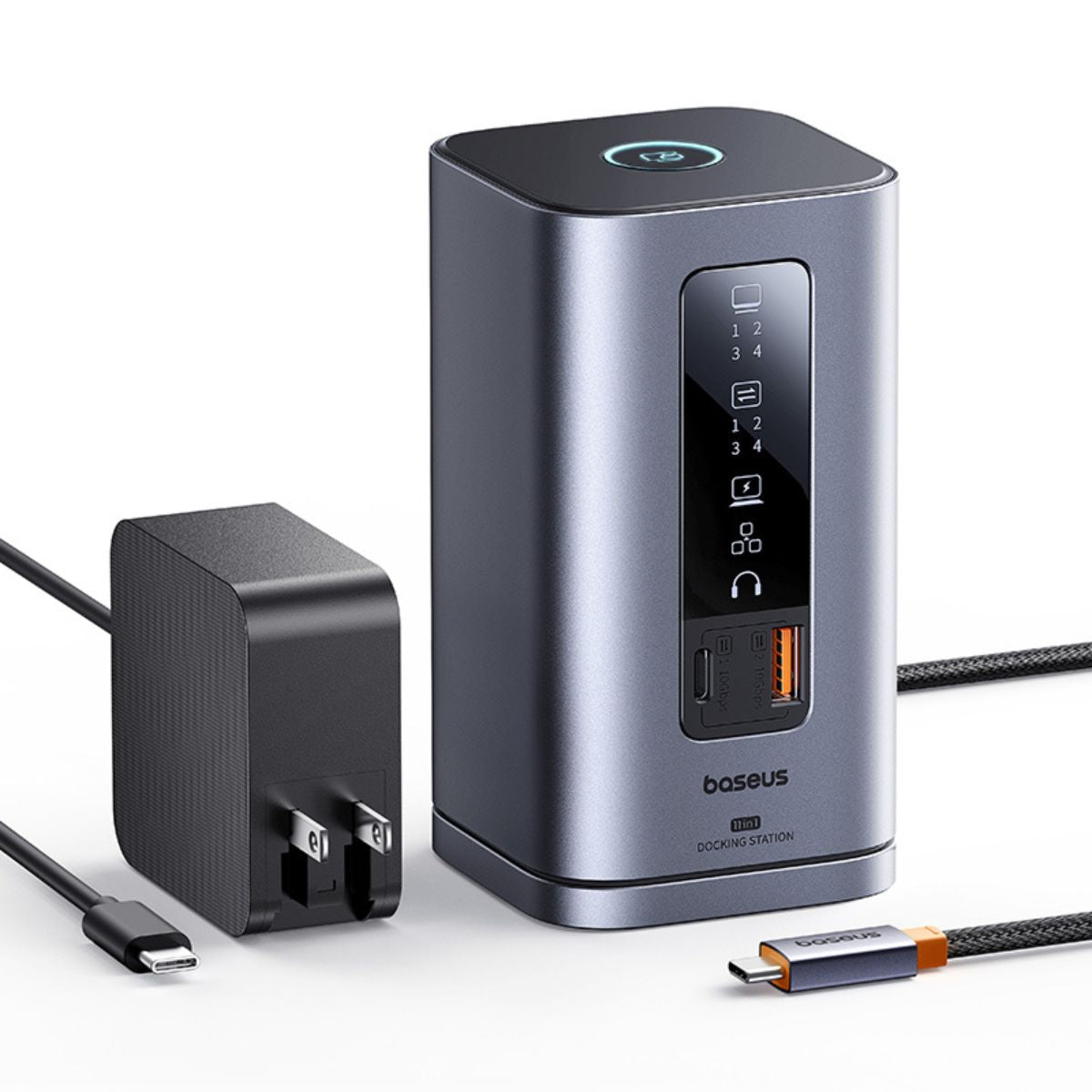
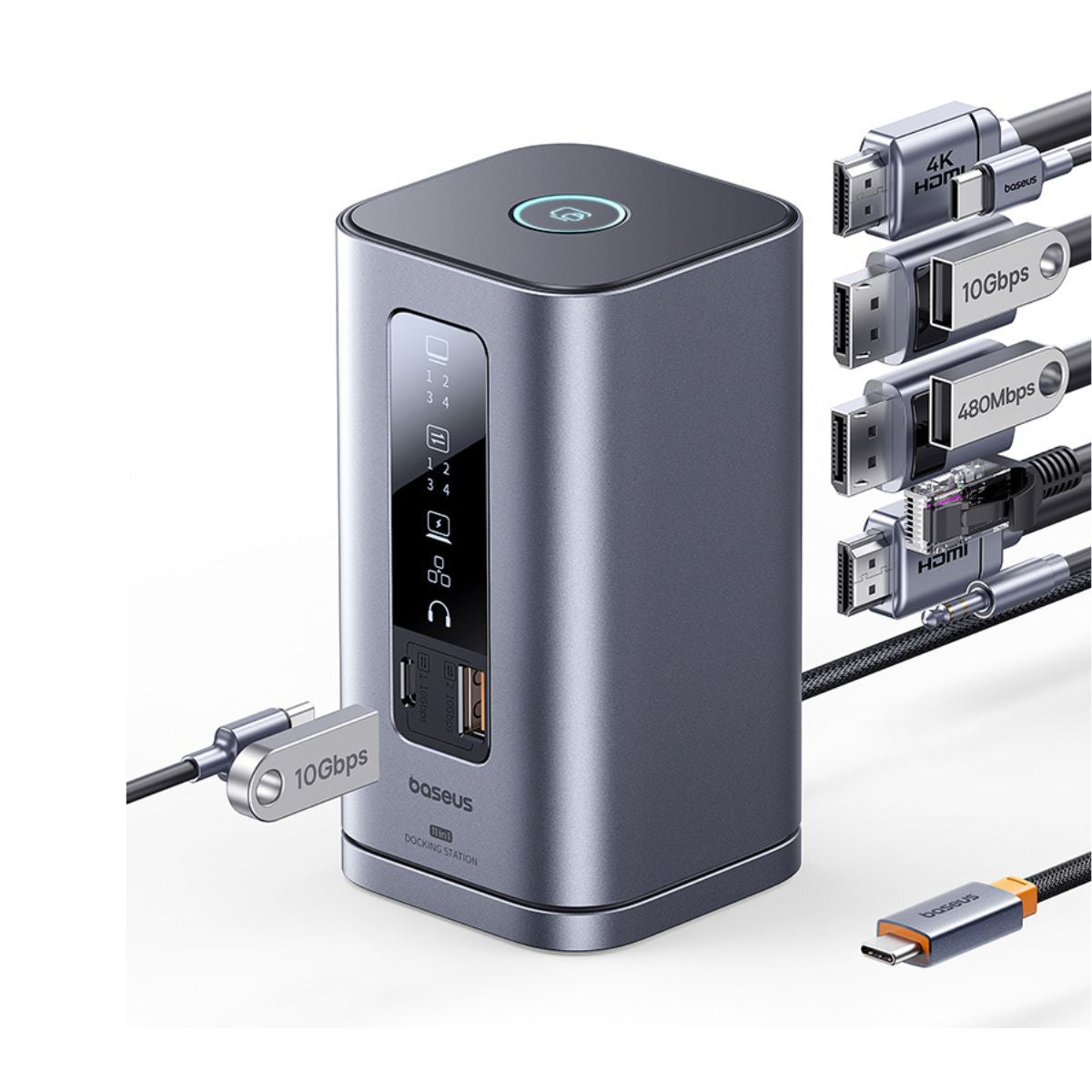
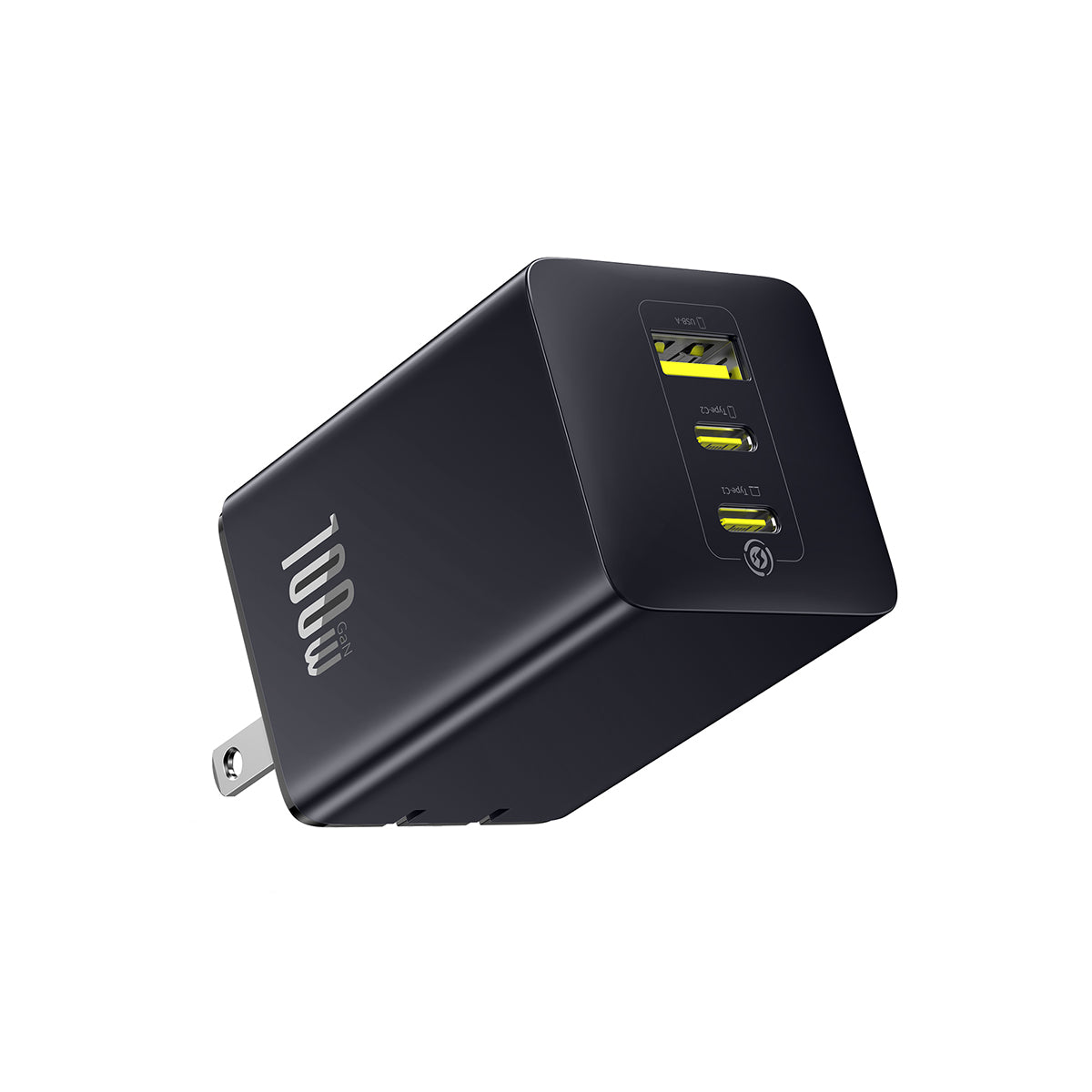
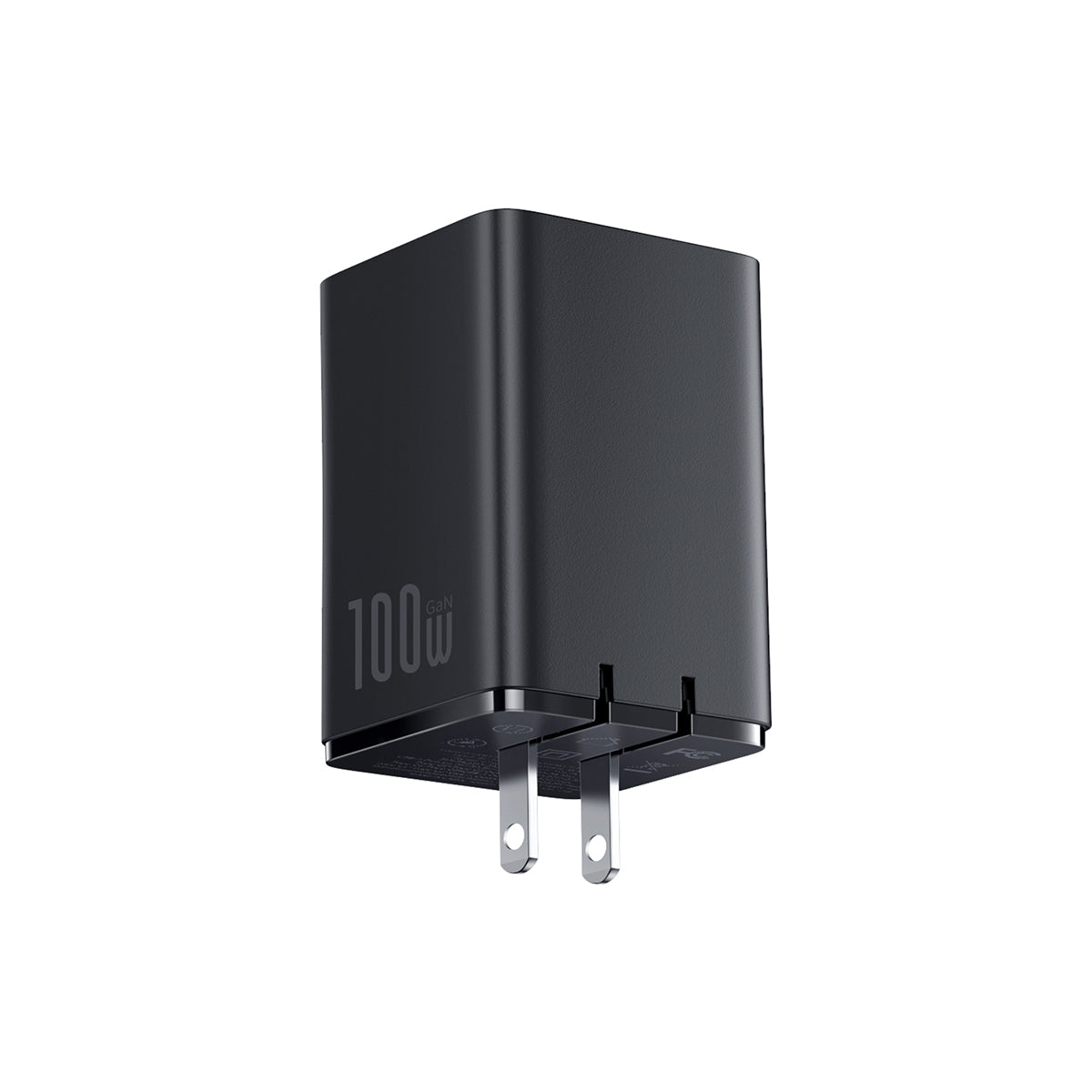
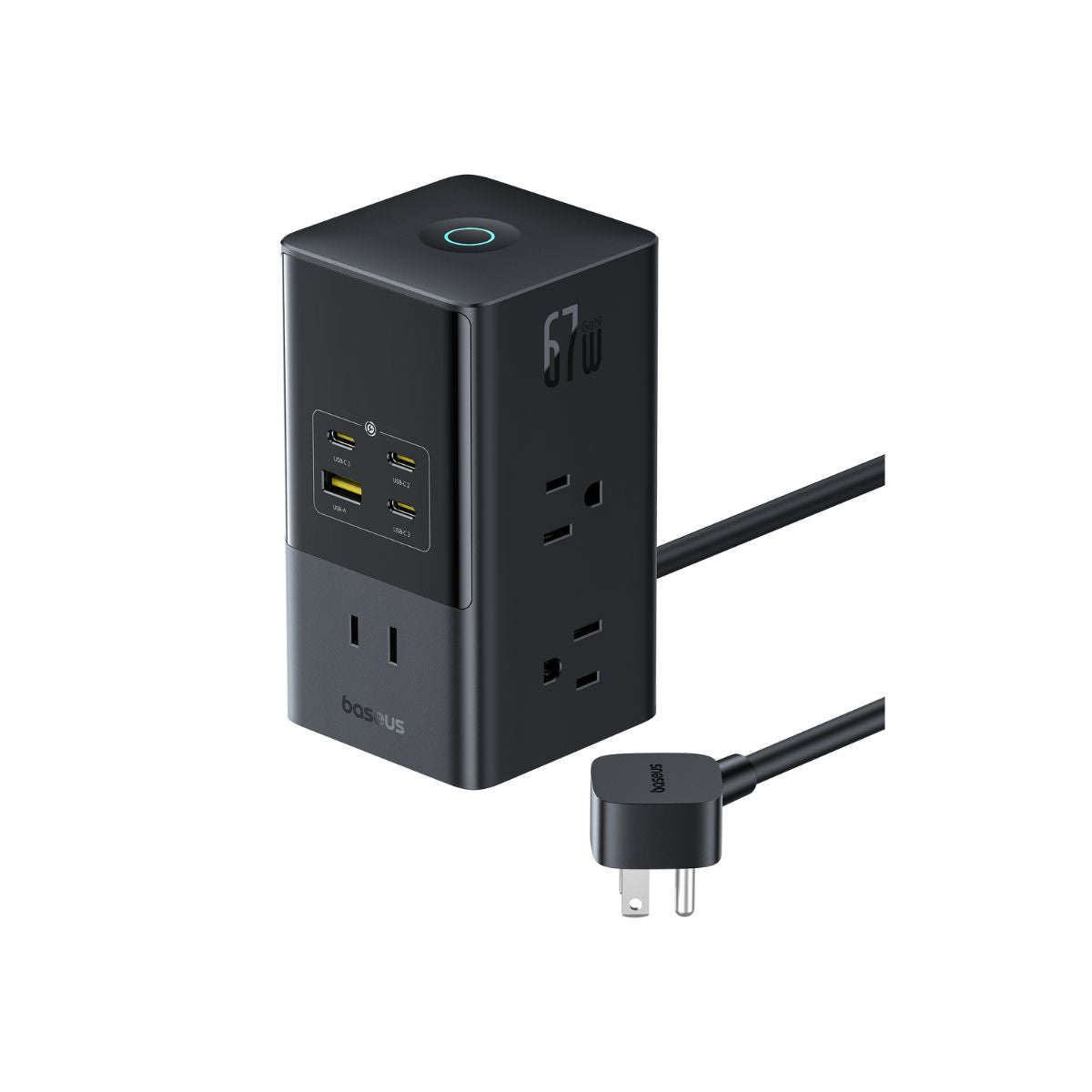
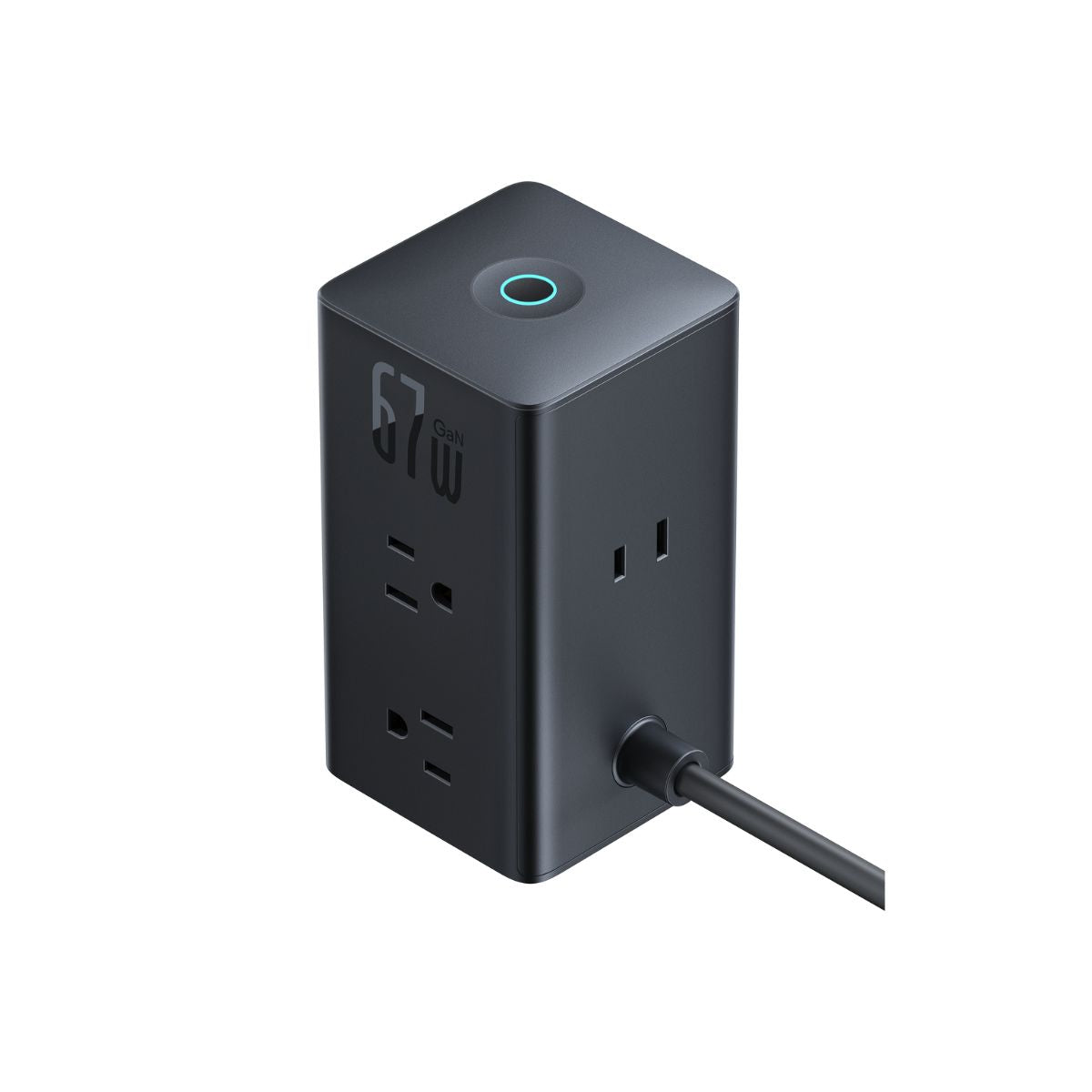
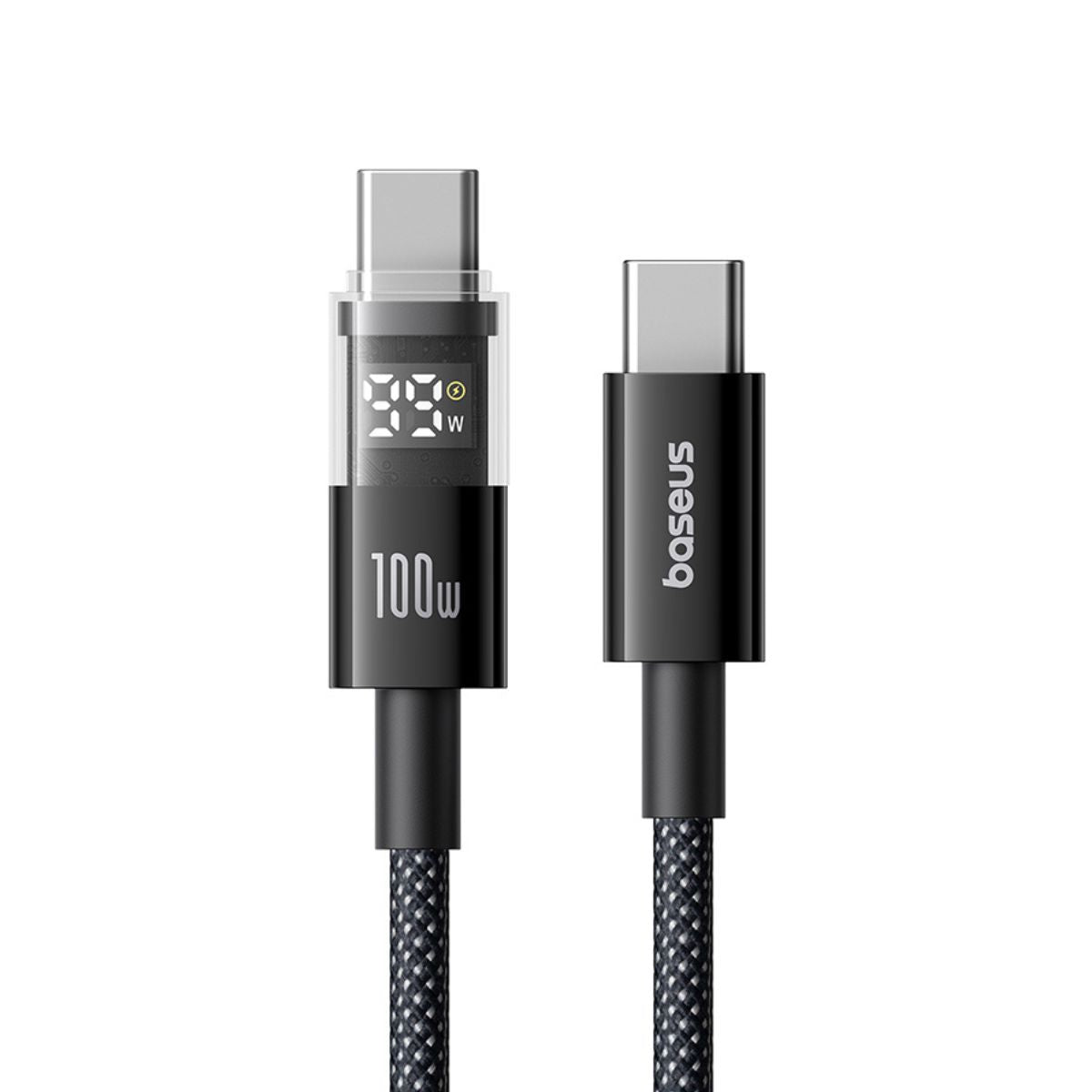
Shop featured products
Get your favorite products as soon as tomorrow with Prime.


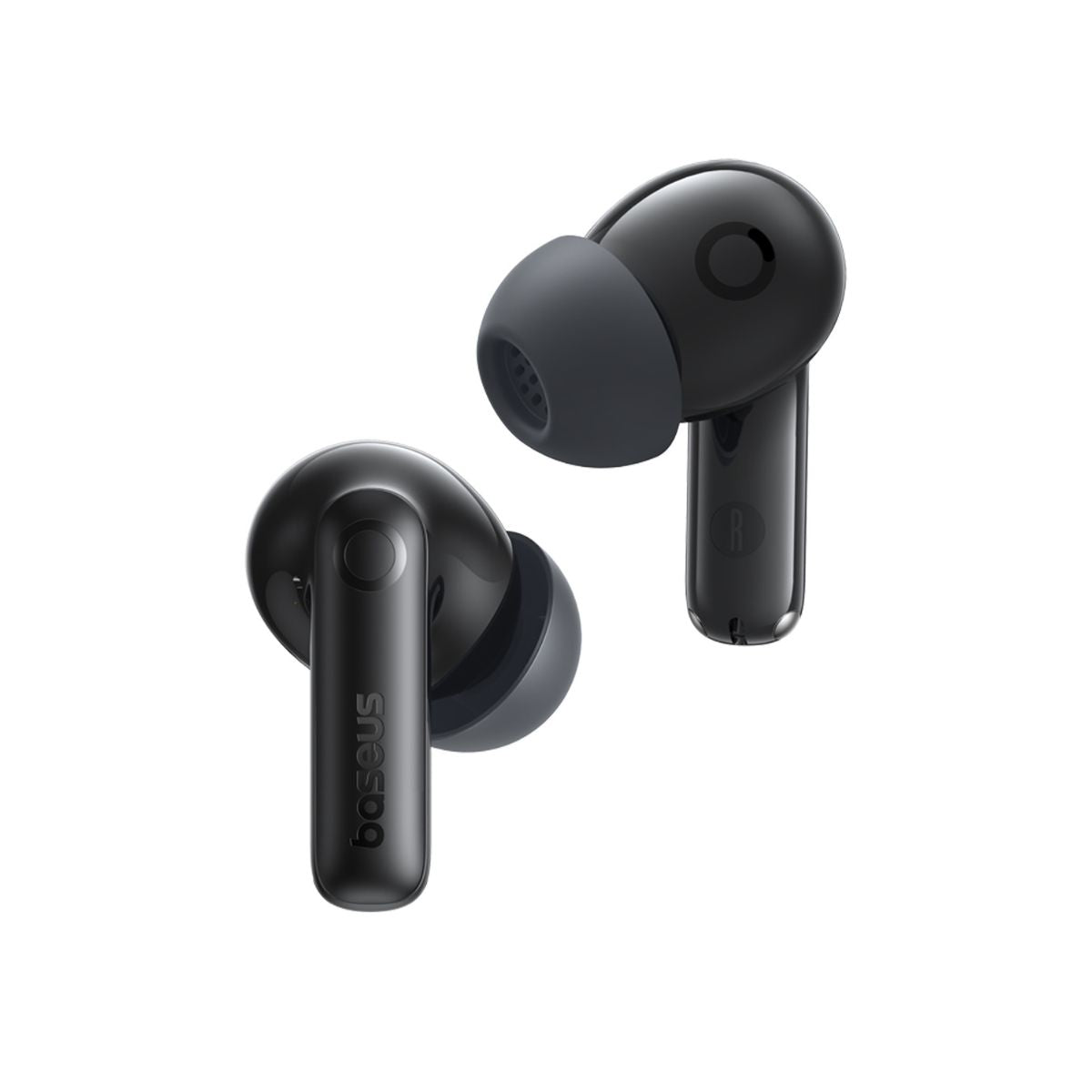
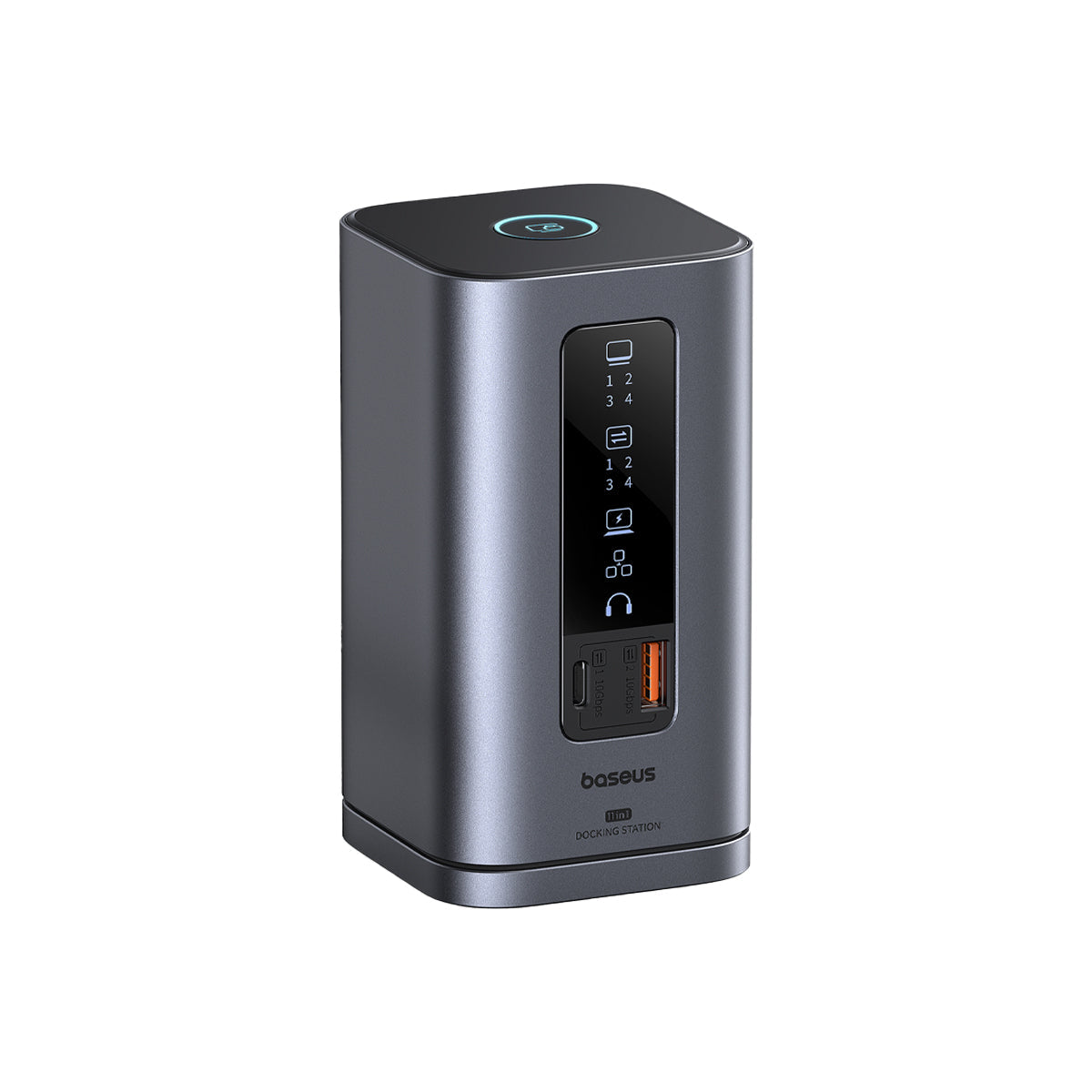
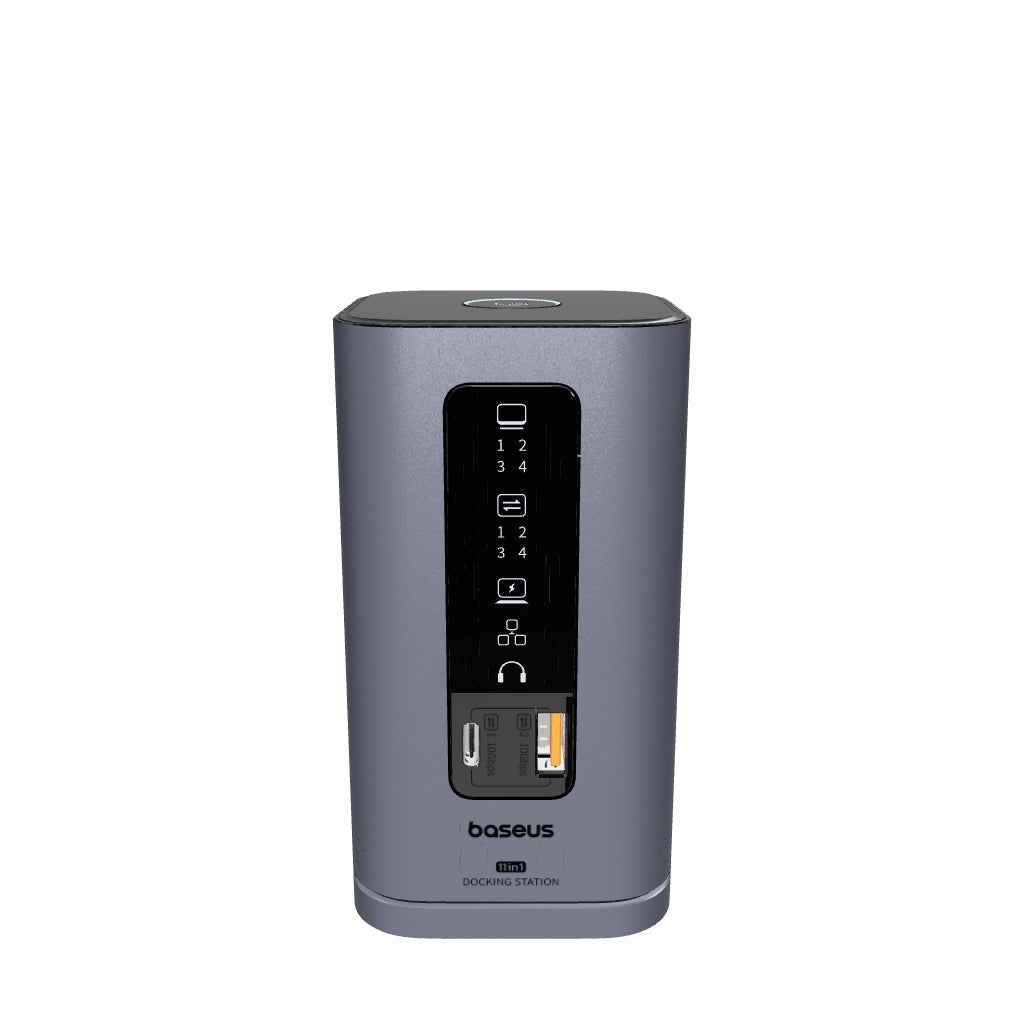


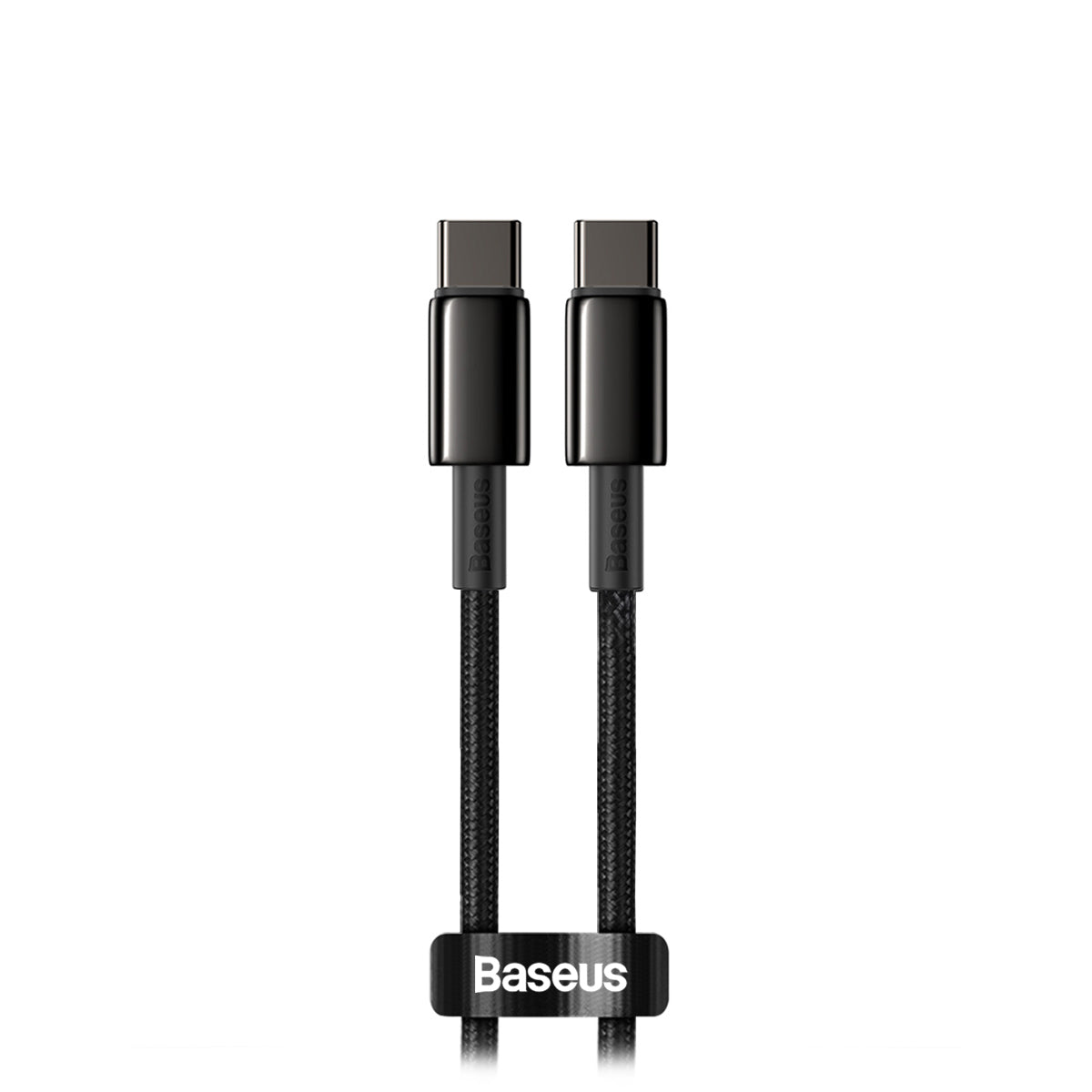
FAQs
About Buy with Prime
Buy with Prime lets Amazon Prime members shop directly on the Baseus Store using their Prime benefits, like fast, free delivery and easy returns.
Look for products with the Prime logo. At checkout, log in with your Amazon account. Please note that you need to be an Amazon Prime member to use Buy with Prime.
Buy with Prime gives you the same benefits you get on Amazon directly on the Baseus Store, like fast, free shipping within 1-2 days and easy, free returns with drop-off at a range of convenient locations. At checkout, your saved Amazon shipping address will be filled in automatically for a faster, smoother experience.
You can check your order status either on Amazon or on the Baseus Store.
- On the Amazon website or app, go to Your Orders and select Buy with Prime Orders.
- On the Baseus Store, go to the My Orders page and look for your Buy with Prime purchases.
To start a return, view your order status from the link in the email that you received after you placed your order or from your Amazon account on the Your Orders page under the Buy with Prime Orders tab.
You can initiate the return process and choose from a number of return options, including label-free, box-free returns and convenient dropoff locations, such as Amazon physical stores, Whole Foods Markets, or UPS Stores. If the item is eligible for return, but not for label-free, box-free returns, you can still return the item at USPS or UPS locations in a box with the provided return label.
For eligible items, you receive a full refund if they are in resellable condition and returned within the return window. The refund is processed when the item is dropped off at the location that you selected when initiating your return. Otherwise, the refund is processed when the item is received and reviewed at the Amazon fulfillment center. It can take up to seven business days for the refund to show up on your account after it has been processed.
If you have questions about returns eligibility or the returns process, contact customer service using the link on the order detail page.
For more details, you can visit Amazon's official Buy with Prime page.
Shipping & Delivery
All Buy with Prime orders are shipped using Amazon's official logistics. Most orders arrive within 1-2 days.
Yes. All Buy with Prime orders include free shipping.
Viewing & Changing Orders
You can cancel your order as long as it has not been shipped. There are two ways to do this:
- Go to the Buy with Prime Orders page on your Amazon account and find the order you want to cancel.
- Email our customer service at shopify.us@baseus.com to cancel the order or address any other issues.
Yes. You can download your invoice in three ways:
1. Log in to your Amazon account, go to My Orders, and download the invoice there.
2. If you have special requirements for the invoice, you can contact customer service at shopify.us@baseus.com.
Discount
Yes, you can. Just enter your coupon code at checkout to enjoy the discount.
* 1-2 day shipping based on Amazon's Prime membership logistics policy.
For more information, please refer to their Frequently Asked Questions.