 United States/English



 Baseus Store
 Amazon
 Walmart

If you find that your open-ear earbuds sound too quiet or that the bass sounds a bit underwhelming, then you’re not the only one. It’s one of the most common concerns for people who move from traditional earbuds to open-ear styles.
The good news is that you don’t need to buy a whole new pair of earbuds to improve the sound and listening experience. What you can do is make small changes to the fit, the audio settings, and device controls, which can often make a big difference. This guide will walk you through all the methods to improve bass, volume, and sound quality as well as explain why open-ear earbuds can sound quieter.
Why Open-Ear Earbuds Can Sound Quieter Than Expected
Open-Ear Designs Leave Your Ear Canal Open
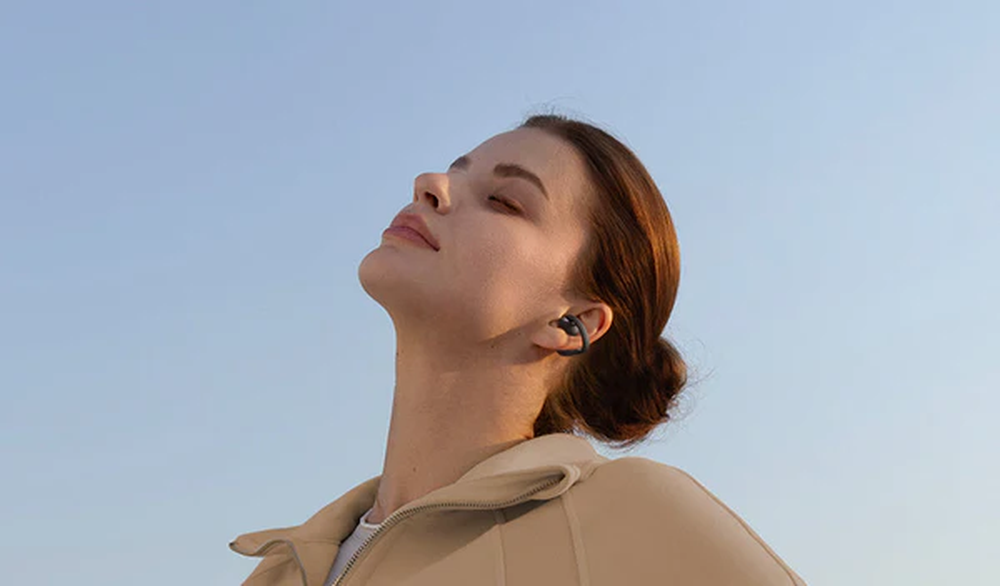
Open-ear earbuds do not go in your ear canal, unlike traditional earbuds. Rather, they channel sound into the ear but leave it open to background noise. This is one of the biggest advantages of open-ear earbuds. Its design allows you to stay aware of traffic, conversations, and other environmental sounds. However, some sound does naturally escape because the ear canal is not sealed. This is why the volume and bass response can feel less powerful.
Variations in Bass Frequency Behavior
Bass relies on low-frequency sound waves and these frequencies are easier to hear when the audio is confined in an enclosed space. Since open-ear earbuds don't seal the whole ear canal, the bass may feel lighter than with regular wireless earbuds that block out noise. That’s also why you’ll find many high-end open-ear headphones come with improved bass tuning and advanced acoustic technology.
There Could Be a Volume Limit on Your Device
There are built-in hearing protection settings on a lot of smartphones. These settings can automatically cap maximum volume levels to help protect your hearing. If your open earbuds are unusually quiet, the audio settings on your phone may be affecting the audio performance.
Fit and Placement Do Matter
The position of your earbuds can have a surprisingly large effect on sound quality. You might be losing volume, detail, and bass performance if the speakers are not aligned correctly with your ears.
How to Improve Bass and Volume on Open-Ear Earbuds
Change the Wearing Position
Try adjusting the position of your open-ear earbuds before changing any settings. You can move them a little forward, backward, up, or down until the speakers are closer to your ears. Just a slight little change can make a difference in the sound quality and bass response.
Customize Your EQ Settings
Many wireless headphones and Bluetooth audio devices come with accompanying apps that feature EQ controls. Tweak your EQ settings using the following options to increase the bass and make your music sound richer:
- Bass Boost mode
- Dynamic Bass settings
- Rock or Electronic presets
- Custom low-frequency adjustments
Check Your Device's Volume Controls
Check your phone's audio settings and look for hearing protection settings, safe listening features, volume limits, or media volume controls. Removing the extra volume limits may make your earbuds a little louder while still letting you listen safely.
Clean the Speaker Ports
With time, dust, sweat, and debris can collect around the speaker openings. Cleaning your earbuds frequently helps preserve the audio quality and lets sound flow clearly from the drivers to your ears.
Reduce Background Noise
Open-ear headphones, unlike ANC earbuds or noise-canceling headphones, are intended to let sounds in from the outside. In a busy environment, background noise can compete with your music, podcasts, calls, or any other audio. Try moving to a quieter place to improve loudness and clarity.
Benefits of Open-Ear Listening
While some users may prefer deep bass and isolated volume, open-ear earbuds still offer many advantages. They allow you to stay aware of your surroundings, hear traffic and passers-by while running, enjoy greater comfort when listening for long periods of time, and also lower pressure within the ear canal. There is a balance between awareness and entertainment, which is why open-ear earbuds continue to grow in popularity in 2026.
Choosing Open-Ear Earbuds with Better Sound Quality
Some open-ear earbuds offer a deeper and better sound than others. When comparing the best wireless earbuds, you should consider the following features:
- Driver size
- Acoustic tuning
- Bass enhancement technology
- Secure fit
- Customizable sound via an app
Our Recommendations
Baseus Bowie MC2 Open-Ear True Wireless Earbuds

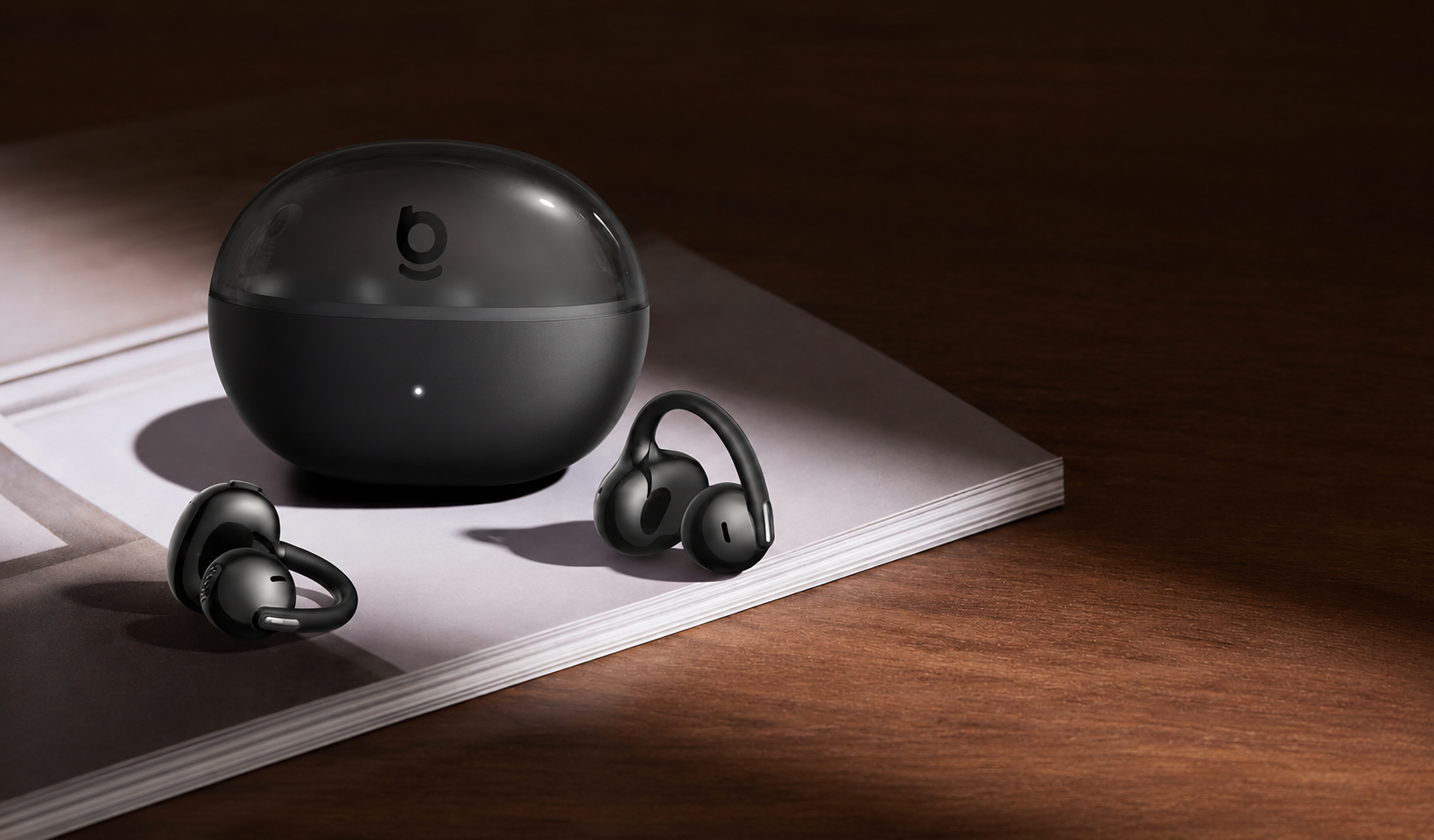
The Baseus Bowie MC2 is a great combination of comfort, sound quality, and battery life. SuperBass 3.0 technology helps heighten low frequencies and makes it a good pick for users who want richer bass as well as an open-ear design.
- Best for: Everyday listening, first-time open-ear users, work and commuting
- Highlights: SuperBass 3.0, Detail-Rich Natural Sound, CloudComfort 2.0 Detachable Air Cushions, Up to 55 hours of battery life, IP67 waterproof
Baseus Bowie MC2 Air Open-Ear True Wireless Earbuds
The Bowie MC2 Air delivers a powerful sound in an ultra-light design for people who value comfort and portability. Equipped with 11mm drivers and tuned for bass, the experience is even more energetic. The clip-on design is flexible and comfortable to wear the entire day.
- Best for: Walking and running, all-day wear, casual listening
- Highlights: 4.9g ultra-light design, 11mm drivers, Bass-heavy sound tuning, Flexible and secure fit, Up to 40 hours of playtime, IP67 waterproof
Baseus Inspire XC1 Open-Ear Earbuds

If you want an advanced audio experience, the Baseus Inspire XC1 delivers just that. With the Hybrid 2-Way Sound Engine, Sound by Bose tuning, Dolby Audio, Hi-Res Audio and LDAC support, you’ll experience a fuller and more detailed sound with better bass performance than many traditional open-ear designs.
- Best for: Music lovers, daily commuters, long listening sessions, users who want premium open-ear sound
- Highlights: Sound by Bose, Hybrid 2-Way Sound Engine, Dolby Audio and Hi-Res Audio, LDAC support, Zero-Sense Air Cushions, IP66 waterproof
Getting the Best Sound From Your Open-Ear Earbuds
Open-ear earbuds are different from traditional wireless earbuds because they leave the ear canal open. This can affect bass and volume, but there are a number of ways to improve the experience. Often, stronger bass and better sound quality can be achieved by adjusting the fit, customizing your audio settings, checking the volume controls, and keeping your earbuds clean. If you choose a high-quality pair of open-ear earbuds, the difference will be even more noticeable. With a few simple tweaks and the right setup, you can enjoy all the benefits of open-ear earbuds.
FAQ
Q1: Why do my open-ear earbuds sound quieter outside?
The purpose of open-ear earbuds is to let in outside sounds. In crowded places, traffic, wind, and other background noise can compete with your music, which makes it seem quieter than it is inside.
Q2: Does a better fit improve bass on open-ear earbuds?
Yes. Moving the speakers closer to your ears might direct the sound more effectively, which could help with volume and bass response.
Q3: Can dirt or sweat affect sound quality?
Yes. Over time, dust, sweat, and other debris can slightly block the speaker openings, which can decrease the volume and clarity of sound.
Q4: Why does changing the position make my open-ear earbuds sound better?
Open-ear headphones depend highly on the speaker's position. A small tweak can alter how sound travels to your ears and improve bass, clarity, and loudness.